1
System Description
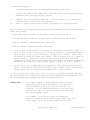
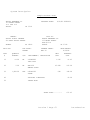
Revise/Cancel open purchase orders
* Option #5 on the Processing (PO2) menu
Revise or cancel an open purchase orders.
This step will allow you to revise or cancel a purchase order which has been
approved and possibly even printed. If receipts have been updated to this order,
the order cannot be canceled, and vendor number or purchase order date may not be
revised. Line types and/or item numbers may not be revised. If you must correct an
item number, you should delete that line and add a new line containing the correct
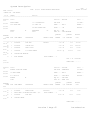
item number. The entry fields and command/function keys are the same as those
detailed under option #1 of this menu. Refer to that section of this manual for
more information if needed.
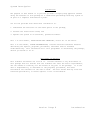
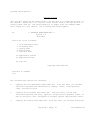
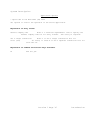
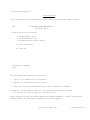
If you have the CSS Inventory Control library (CSSINV) installed on your system,
the following prompt will appear prior to entry:
Explanation of screen prompts:
Generate transactions
Enter *NO if you do not wish to
for Inventory Control
create purchase and/or on order adjustment
transactions. These transactions are used as input to the inventory control
package. The default is *YES.
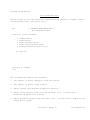
Please note: Transactions created by this step are output to a transaction file
just as if they were keyed using the inventory control transaction entry
step. These transactions must be updated using option #3 on the
inventory control processing menu.
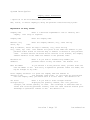
Explanation of command and function keys available:
F3
Cancel this job.
Section 1 Page 36
Introduction