1
Welcome Screen
Welcome Screen.
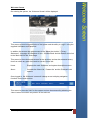
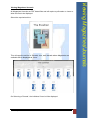
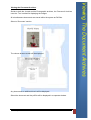
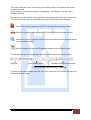
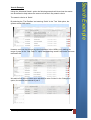
On entering the system, the ‘Welcome Screen’ will be displayed.
This screen gives a brief description of the system and the ability to ‘Log In’ using the
supplied Username and Password.
In addition this screen also gives access to the ‘About the Archive’; ‘Privacy
Statement’; ‘Copyright & Conditions of Use’; ‘Contact Ewell Archive Details’ and a link
to the ‘Main School Site’ Web Page.
This screen is the main access screen for the archives, and can be accessed at any
time from within any part of the archive via the ‘Home’ tab.
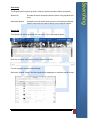
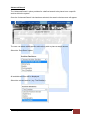
Home
Displays the main ‘Welcome’ and system description screen.
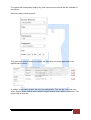
About
Contains the ‘About Us’; ’Contact Us’ and the ‘External Links’
options.
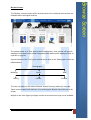
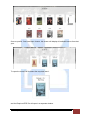
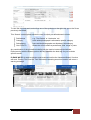
Once logged in, the ‘Welcome’ screen will change so as to display navigation
functions for the main archive.
This screen is the main ‘Hub’ for the system and can be accessed by selecting the
‘Home’ button from within any section of the archives.
Issue 1: june 2015
Ewell Castle Schools User Manual
3