1
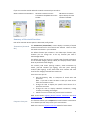
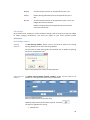
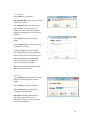
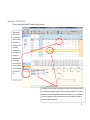
If you extend an existing budget or use a
revised view to create a new budget then the
opening tallies from the prior budget can be
carried forward.
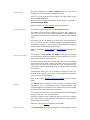
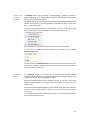
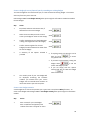
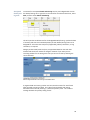
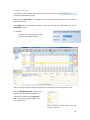
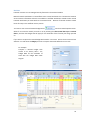
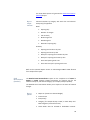
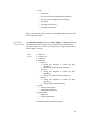
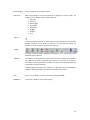
If you start a new blank budget you can
choose to enter opening numbers manually or
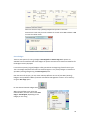
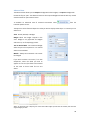
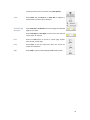
copy in last year’s actuals using
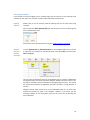
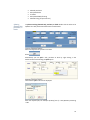
Once the opening numbers have been copied
into your budget they can be updated as
required.
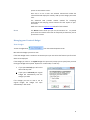
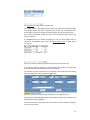
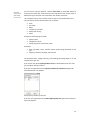
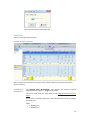
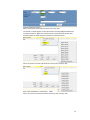
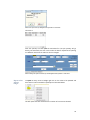
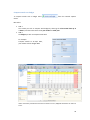
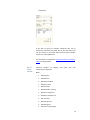
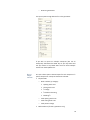
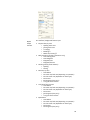
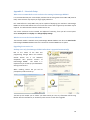
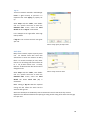
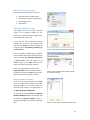
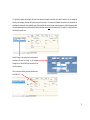
Above: copying in last year’s actuals, for the stock
category Sheep
Stock Weights
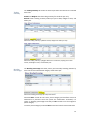
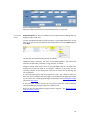
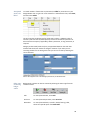
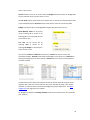
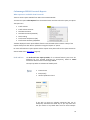
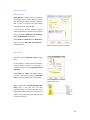
From the Setup toolbar within Livestock is the
option to setup Stock Weights. The stock
classes presented for editing are based on the
category selected within the Livestock view.
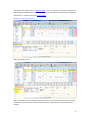
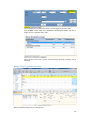
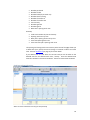
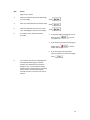
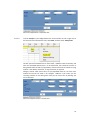
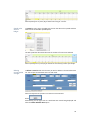
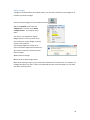
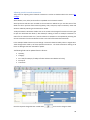
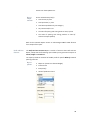
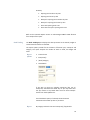
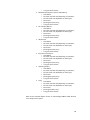
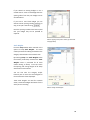
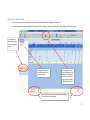
By selecting Setup then Stock Weights within
the monthly view Sheep Livestock the Stock
Weights screen is presented for all stock
classes relating to Sheep. From this screen
the opening and closing weights of all sheep
stock classes can be altered.
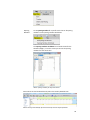
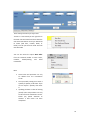
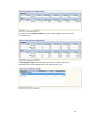
You can also alter the category and/or
financial year to revise the stock weights for
the revised stock classes displayed.
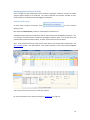
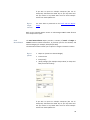
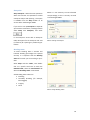
These stock weights are used for Livestock
actual, revised and budget calculations for the
stock you are recording.
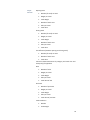
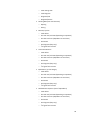
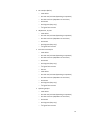
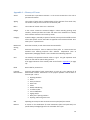
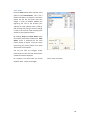
Above: setting stock weights
68