1
8
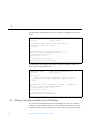
number that indicates the cause of the error. Errors are defined in the header
file netmgt_db.h. See the snm_error(3N) man page for error codes and
explanations.
8.4 Opening the Database
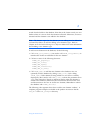
The snmdb_open function is used to open the database. The database must be
located in the directory specified by the database keyword in the snm.conf
file. (The snm.conf file is located in /etc for the Solaris 1.1.1 version of SNM
2.2.3, and in /etc/opt/SUNWconn/snm for the Solaris 2.3 version.) If there is
no directory specified by the database keyword, then the database is located
in the following directory:
•
•
/var/adm/snm for the Solaris 1.1.1 version of SNM
/var/opt/SUNWconn/snm for the Solaris 2.3 version of SNM
The database that is opened is the file db.<name>, where <name> is the name
specified by the environment variable SNM_NAME, or the login user name is
SNM_NAME is not specified. You should call snmdb_open() before you perform
any database operations.
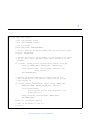
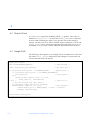
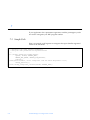
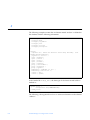
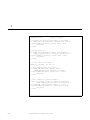
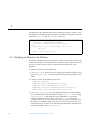
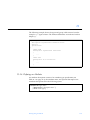
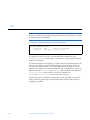
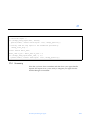
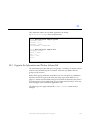
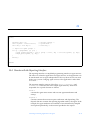
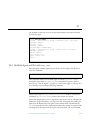
The following is an example of how to call snmdb_open().
if (!snmdb_open())
exit(1);
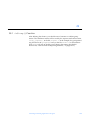
8.5 Locking and Unlocking the Database
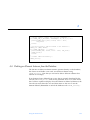
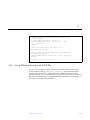
The database should be locked while you are writing information to the
database. Locking the database is not necessary while you are reading
information from the database or while you are performing operations on the
cluster record buffer. Locking the database prevents other applications, such as
the Console, from making changes to the database. If your program does not
lock the database, you should make sure that there are no other active
applications that can make changes to the database.
Using the API Functions
8-5