1
S
3
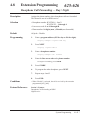
Features
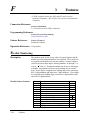
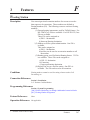
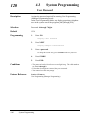
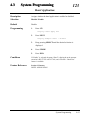
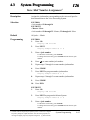
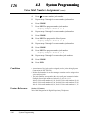
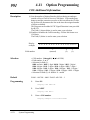
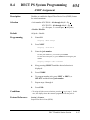
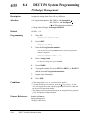
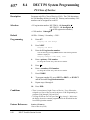
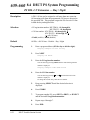
System Working Report
Description
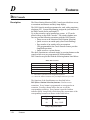
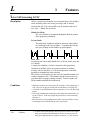
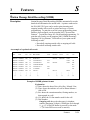
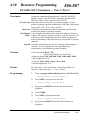
The Digital Super Hybrid System automatically records the
system’s working state. A printer connected to the EIA (RS-232C)
port can be used to print the recorded data.
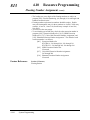
Recorded contents are as follows:
1. Date of record
• The date and time when cleared
• The date and time when printed out
2. Incoming calls
• The number of incoming calls
• The number of answered incoming calls
• The number of unanswered incoming calls
• The ratio of the answered calls to the incoming calls
Number of answered calls
Number of incoming calls
✕ 100 (%)
• The average time from receipt of call to answer of the
incoming and answered calls
• The average duration time of talk of the answered calls
3. Outgoing calls
• The number of access requested
• The number of access succeeded
• The number of access failed
• The ratio of access succeeded
Number of access succeeded
✕ 100 (%)
Number of access requested
• The average duration of the dialled calls
These records can be deleted by the manager and the operator, and
new data will be recorded thereafter.
Conditions
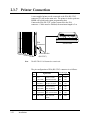
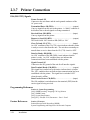
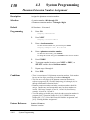
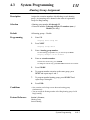
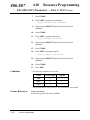
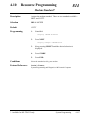
Connect a printer to the EIA (RS-232C) connector located on the main
unit. After connecting a printer, do not press the RETURN key, if
provided on the printer, in 10 seconds.
Connection References
Section 2, Installation
2.3.7 Printer Connection
3-138
Features