1
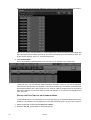
To clear the “Cyan” attribute from only the odd numbered MAC 600s, we would use the following
keystrokes:
1 Select the group “Odd 600” from one of the Group touch screens.
2 Select the “Color” LED key on the programmer,
3 Press and hold the “Clear” key on the keypad
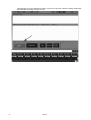
4 Press the hard key in the programmer that is directly below the “Cyan” label in the Programmer
Touch Screen.
5 Release both keys
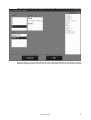
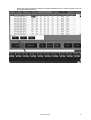
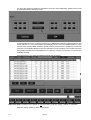
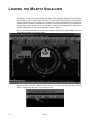
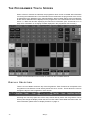
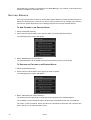
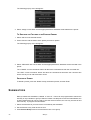
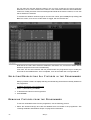
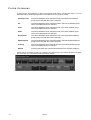
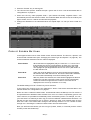
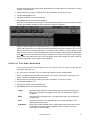
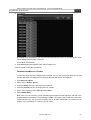
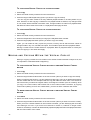
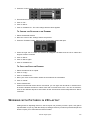
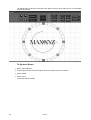
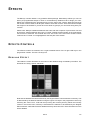
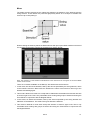
The programmer screen will then look like this:
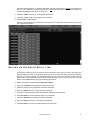
To clear an entire attribute group, press the appropriate LCD key in the programmer rather than
the hard key for the specific attribute. For example, to clear all color attributes from the odd
numbered MAC 600s, use the following keystrokes:
1 Select the group “Odd 600” from one of the Group touch screens.
2 Select the “Color” LCD key on the programmer,
3 Press and hold the “Clear” key on the keypad
4 Press the “Color” LCD key.
5 Release both keys
The Programmer Window
65