1
VIRTUAL CUELIST DISPLAY
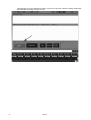
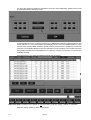
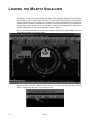
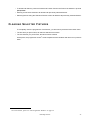
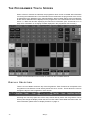
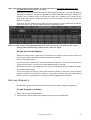
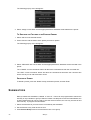
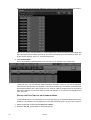
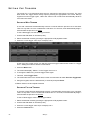
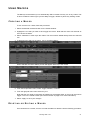
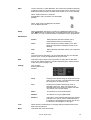
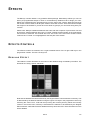
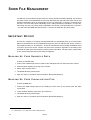
Looking a little closer at the individual cue lists we can see which ones are active and what type
they are.
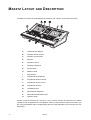
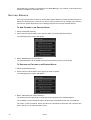
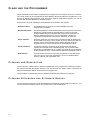
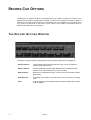
We can see that this is cuelist 8. The CL in the upper left-hand corner denotes that it is a cuelist.
It has been labeled songlist A and the black arrowhead indicates that it is active.
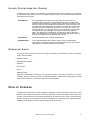
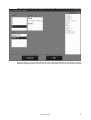
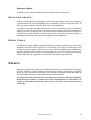
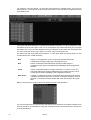
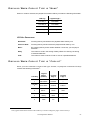
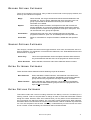
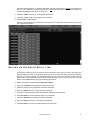
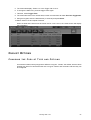
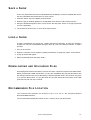
Here we see that cuelist 31, labeled “chase” is active. The circular icon in the lower left hand
corner denotes it is active and the “CH” in the upper right hand corner identifies it as a chase.
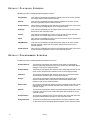
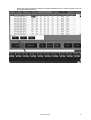
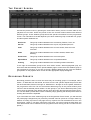
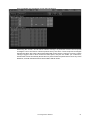
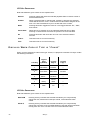
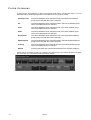
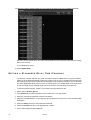
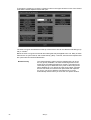
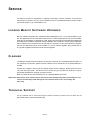
And lastly, we see cuelist 31, an override is also active.1
MOVING
AND
COPYING
FROM THE
VIRTUAL CUELIST
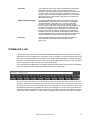
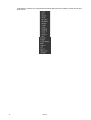
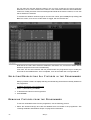
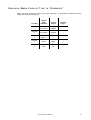
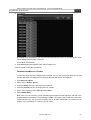
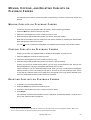
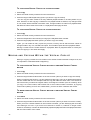
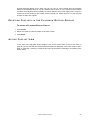
In the case of the Virtual Cuelist, moving and copying to playback faders or playback buttons
(see “Playback Button Page” on page 97) are identical functions.
1.Note that the label “override all” is inaccurate. If it were truly overriding all, the other cuelists would not be
active.
Other Cuelist Locations
95