1
FILTER CATEGORY
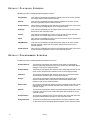
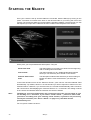
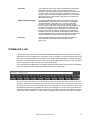
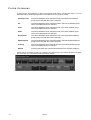
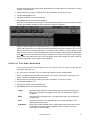
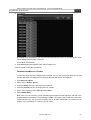
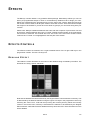
In many ways, this category is akin to the Preset page filters. Using these filters, you can
determine which attribute groups will be recorded into a cue, group or preset.
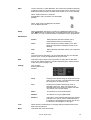
Intensity Focus
Only those attributes which would be found in the Dim/Focus attribute
group will be recorded when this is selected.
P/T
Only those attributes which would be found in the Pan Tilt attribute group
will be recorded when this is selected.
Color
Only those attributes which would be found in the Color attribute group
will be recorded when this is selected.
Gobo
Only those attributes which would be found in the Gobo attribute group
will be recorded when this is selected.
Zoom/Prism
Only those attributes which would be found in the Zoom/Prism attribute
group will be recorded when this is selected.
Effects Speed
Only those attributes which would be found in the Effects/Speed attribute
group will be recorded when this is selected.
Framing
Only those attributes which would be found in the Framing attribute group
will be recorded when this is selected.
Defilter
Pressing this button will clear all selected filters from the Filter Category
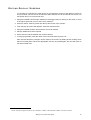
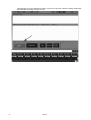
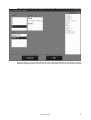
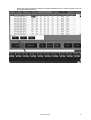
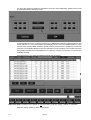
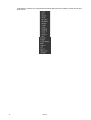
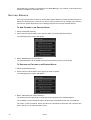
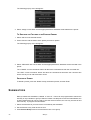
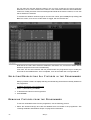
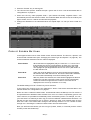
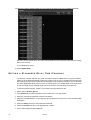
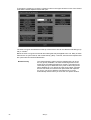
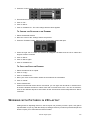
Filters can be combined so that, for example, you merge only active effects channels for gobo
and color into one cue without tracking as shown below.
72
Maxxyz