1
1.8 Services Menu
1.8.1 DHCP
The WiDirect provides DHCP services to all available LAN interfaces. Multiple subnets may be defined for each
LAN interface, and each subnet has a definable DHCP lease address range associated with it. DHCP can be disabled
on some subnets and enabled on others. Providing DHCP services on multiple subnets makes network
administration easier because static addressing is not required on either subnet. DHCP can be configured to assign a
given hardware Ethernet address (MAC) the same IP every time.
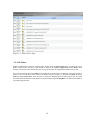
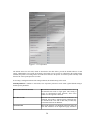
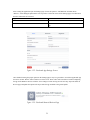
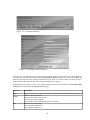
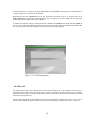
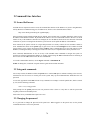
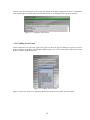
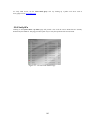
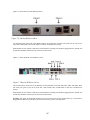
Figure 1-48: DHCP Service
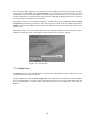
To Edit the DHCP table click on DHCP under the Services menu. The entire DHCP configuration file will be
presented in an editable text field, as shown in Figure 1-48.
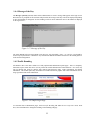
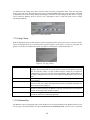
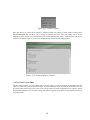
Once the configuration has changed, use the Save Config and Apply to save the changes. This button is shown in
Figure 1-49. The WiDirect automatically stores a retrievable backup of the file.
The WiDirect uses a standard version of DHCP that can be modified to suit any network environment. To learn
about all the configuration items for this file, consult the ISC DHCP documentation at:
http://www.isc.org/products/DHCPD
54