1
Menu Information
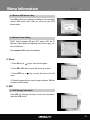
ii. Edit (GREEN colour key)
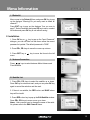
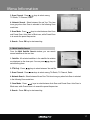
Press GREEN colour key to move the Edit button upward.
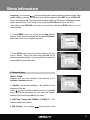
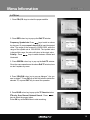
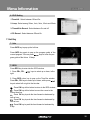
Select the program and press OK key to pop up the Rename
window.
In Rename window, press RED colour key to switch between
capital letter and lower letter; press GREEN colour key to
delete the character on the cursor; press
keys to move
the cursor left or right; press numeric keys (0-9) to input the
character, please refer to the down table. Press YELLOW
colour key to save and exit, or press BLUE key to cancel and
exit.
Numeric keys
1
2
3
4
5
6
7
8
9
0
Press numeric key repeatedly, display in circle
.,*?!@1
ABC2
DEF3
GHI4
JKL5
MNO6
PQRS7
TUV8
WXYZ9
[space]_-0
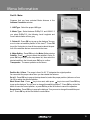
If the name is empty, system will pop up a dialogue informing "Name" once YELLOW colour key
is pressed. Press OK key to close this dialogue.
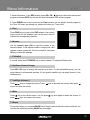
iii. Delete (BLUE colour key)
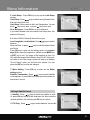
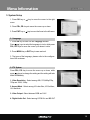
In Delete window, press BLUE colour key to move the Delete
button upward. Select the program and press OK key to mark
this program with the deletion mark. You can cancel this mark
by pressing OK key again.
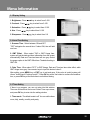
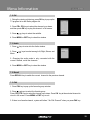
Press EXIT key to pop up the dialogue "Are you sure to
save?". Select Yes button and press OK key to save, or select
NO button and press OK key to exit without saving.
1.2 Radio Channel List
Sine the same operation as 1.1 TV Channel List, here we
don't explain any more.
12