1
WiPG-1000 User Manual
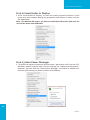
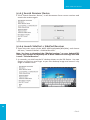
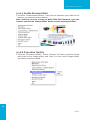
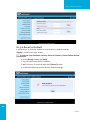
8.10.3 Search Receiver Device
1. Click “Search Receiver Device”, it will disconnect from current receiver and
search the receiver again.
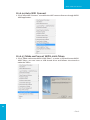
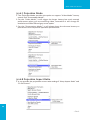
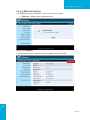
8.10.4 Launch SidePad -> SidePad Receiver
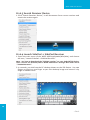
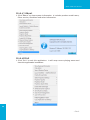
1. Open the main menu of the WiPG-1000 application(Win/Mac), and choose
the item, “Launch SidePad -> SidePad Receiver”
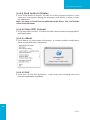
Note:You have to download the “SidePad receiver” on your Android/iOS device,
then connect the Android/iOS to WiPG-1000 device through WiFi and Launch
“‘SidePad Receiver”.
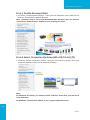
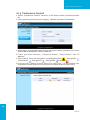
2. In seconds, you shall see the PC desktop shown on the iOS Device. Use two
fingers to pinch or one finger to pan the desktop image and control it by
single or double clicks!
16
→Back