1
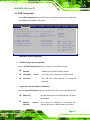
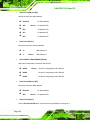
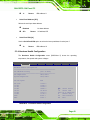
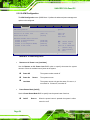
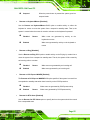
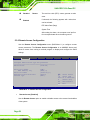
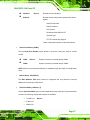
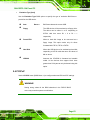
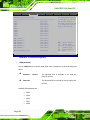
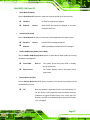
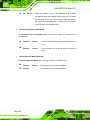
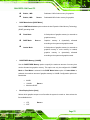
SAILORPC-12A Panel PC USB 2.0 Controller [Enabled] Use the USB 2.0 Controller BIOS option to enable or disable the USB 2.0 controller Î Disabled Î Enabled USB 2.0 controller disabled DEFAULT USB 2.0 controller enabled Legacy USB Support [Enabled] Use the Legacy USB Support BIOS option to enable USB mouse and USB keyboard support. Normally if this option is not enabled, any attached USB mouse or USB keyboard does not become available until a USB compatible operating system is fully booted with all USB drivers loaded. When this option is enabled, any attached USB mouse or USB keyboard can control the system even when there is no USB driver loaded onto the system. Î Disabled Î Enabled Î Auto Legacy USB support disabled DEFAULT Legacy USB support enabled Legacy USB support disabled if no USB devices are connected USB2.0 Controller Mode [HiSpeed] Use the USB2.0 Controller Mode option to set the speed of the USB2.0 controller. Î FullSpeed Î HiSpeed The controller is capable of operating at 12 Mb/s DEFAULT The controller is capable of operating at 480 Mb/s Page 61