1
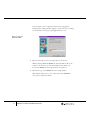
➪ To install Microsoft SQL Server:
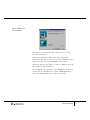
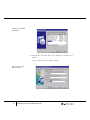
1. Install Microsoft SQL Server using the Installation Wizard.
• SQL Server 2000:
Use the server edition with Microsoft Windows 2000 or Windows
NT.
Use the personal edition with Microsoft Windows 2000 Professional,
NT Workstation, Windows ME, 95, or 98.
• SQL Server 7.0:
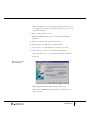
Select the edition of SQL Server 7.0 you wish to install:
Use the standard edition with Microsoft Windows 2000 or Windows
NT.
Use the desktop edition with Microsoft Windows 2000 Professional,
NT Workstation, Windows ME, 95, or 98.
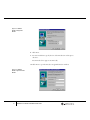
• SQL Server 6.5:
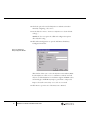
Upgrade SQL Server 6.5 to Service Pack 5a, if it is not already
upgraded.
Service Pack 5a is available online from Microsoft at:
http://support.microsoft.com/support/downloads/
2. For Windows ME/98/95:
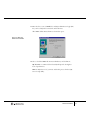
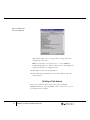
Configure the SQL Server Auto-start option.
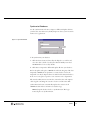
To configure the auto-start option:
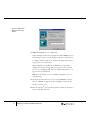
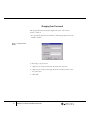
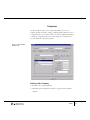
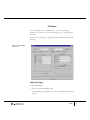
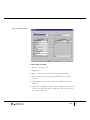
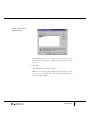
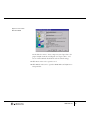
From the Start menu, select Programs ➜ Microsoft SQL 7.0 Service
Manager to open the SQL Service Manager window.
Software Installation
11