1
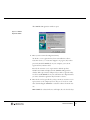
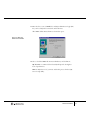
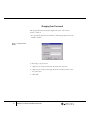
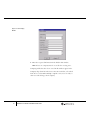
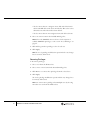
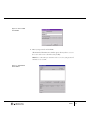
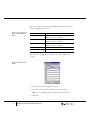
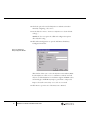
2. Specify logon name, password, personal information, and privileges
for the new user.
Editing User Profiles
➪ To edit a user profile:
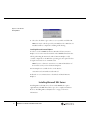
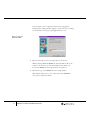
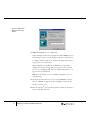
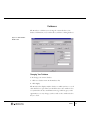
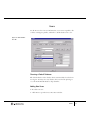
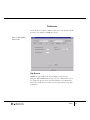
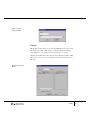
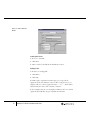
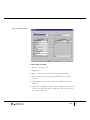
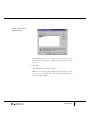
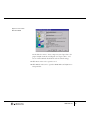
1. Select a name from the Users list on the Utilities window. This
populates the text boxes in the neighboring User Information section.
2. Click Edit.
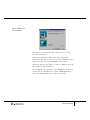
You may edit the logon name, password, personal information, and
privileges for the user.
3. Click OK.
Removing Users
➪ To delete a user:
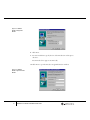
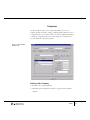
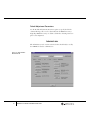
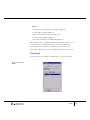
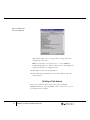
1. Select a name from the Users list. This populates the text boxes in the
neighboring User Information section.
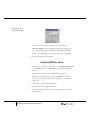
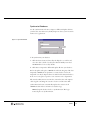
2. Click Delete to remove this user from the database.
3. Click Yes in the dialog box to complete deletion.
32
GEMTools™ Installation and Administration Guide