1
Numerics
73
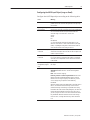
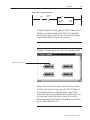
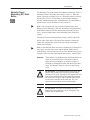
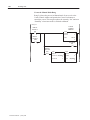
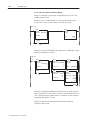
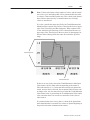
Rung for DH+ or ControlNet Application
N7:10
] [
0
Enter Bit
N7:10
] [
1
MOV
MOVE
SOURCE:
DEST:
N7:11
N7:12
20383
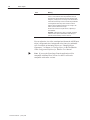
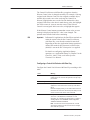
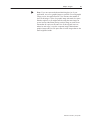
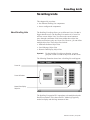
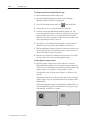
To select the value to change, press the SELECT button on the
PanelView terminal to enable the Set Bit Cursor Point object.
Use the arrow keys to select the value, then press the Numeric
Keypad Enable Button and enter the new value.
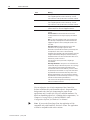
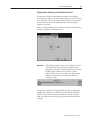
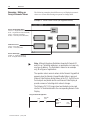
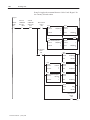
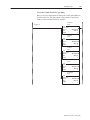
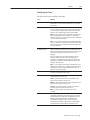
Example 4: Numeric Input Cursor Point (for keypad terminals)
Numeric Input Cursor Point
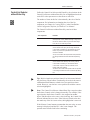
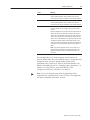
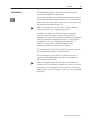
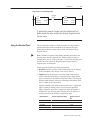
Numeric Input Cursor Point objects change an array of values.
To select which value to change, press the SELECT button on
the PanelView terminal to enable the Numeric Input Cursor
Points and to open the scratchpad at the top of the screen. Use
the arrow keys to select the value to change, then use the
Numeric Keypad to enter the data in the window. Use the Enter
key to send the data to the PLC.
Publication 2711E-820 – January 1998