1
Push Buttons
91
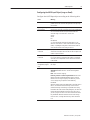
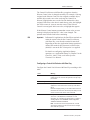
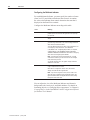
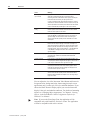
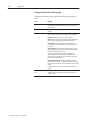
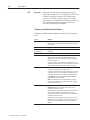
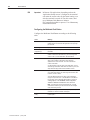
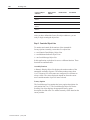
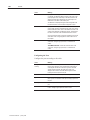
Field
Meaning
Control (con’t)
Note: If you do not assign this control, an error state occurs
when the object is displayed on the PanelView terminal. The
button displays state 1 without its label, alerting the operator to
the error state.
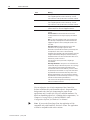
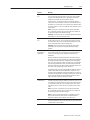
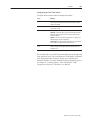
Indicator State controls the display state of the object. You can
assign a tag or expression to this control.
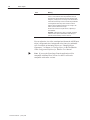
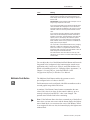
If you assign just the Button Control and not the Indicator State
control, the button state is displayed as soon as the button is
pressed and released. The feedback for this control is local and
immediate. It does not necessarily reflect the Button Control’s
value.
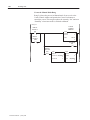
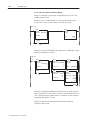
If you assign the same tag to the Button Control and Indicator
State control, the terminal displays the button state based on
the Button Control value. The button displays state 1 when the
operator presses it, and displays state 0 when the operator
presses it again. This is a more reliable way of configuring the
button; however, if traffic is heavy over DH+ or ControlNet, the
display response may be delayed.
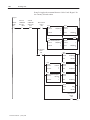
You can provide a visual handshake with the PLC by assigning
different PLC addresses to the Button Control and Indicator
State control. If the PLC is programmed to match the value of
the Indicator State control to the value of the Button Control, the
button changes to the state with that value.
If the Indicator State control value does not match any of the
state values, an error state occurs and the button displays state
1 without labels.
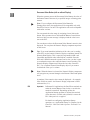
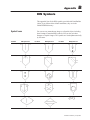
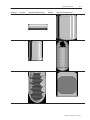
You can adjust the size of the Maintained Push Button and format its
foreground color, background color, button margins (touch screen
applications only), border style, fill style, and blink attributes. For
details on formatting objects see “Changing Object Appearance,” in
Chapter 9, Creating Objects, in the PanelBuilder 1400e
Configuration Software for Windows User Manual.
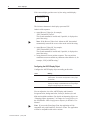
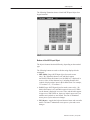
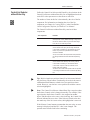
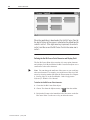
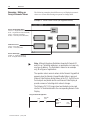
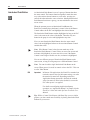
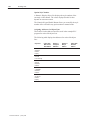
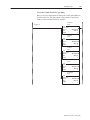
Multistate Push Button
The Multistate Push Button enables the operator to send a
pre-configured series of values to the PLC.
Each button state can be configured with different attributes such as
text and graphic image labels and colors.
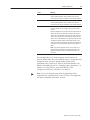
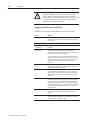
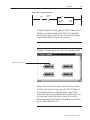
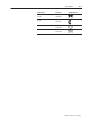
At runtime, if the Button Control cannot accommodate the state
value (if the value is too large for the control’s address), an error
message is displayed, and the PLC value is not changed. The
operator must clear the fault before continuing.
"
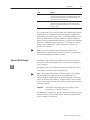
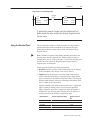
Note: If the Indicator State value does not match any of the defined
state values, an error state occurs and the button displays the highest
state without labels. An error state also occurs if the Button Control
is not assigned. In this case also, the button displays the highest state
without labels.
Publication 2711E-820 – January 1998