1
DYL MANUAL |
Conference Room: allows you to host a conference
between multiple callers.
Fax Receiver: designate one of your phone numbers
as a fax line.
Please Note: You must do this in order to receive
inbound faxes, but you do not need to do this to
send outbound faxes.
Setting Up
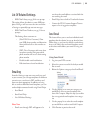
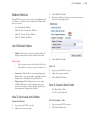
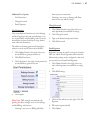
Only 4 of the 7 types of Call Routing Locations
require configuration.
•
Ring Groups
•
IVR Menus
•
Forwarding Numbers
•
Voicemail Mailboxes
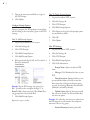
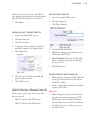
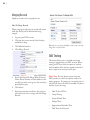
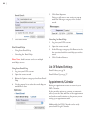
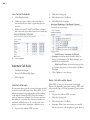
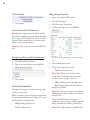
6. Click Add Ring Group
7. Follow the instructions in the following category for Adding/Deleting Extensions From
An Existing Ring Group
Adding/Deleting Extensions From An Existing
Ring Group
1. Log into the admin’s DYL account
2. Click the Settings tab
3. Click Ring Groups
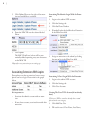
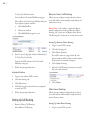
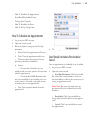
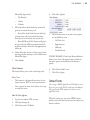
4. To the right of the ring group you would like to
update, click Edit Ring Group
To Add An Extension
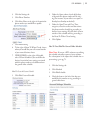
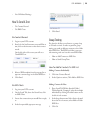
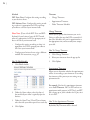
1. Click Add Group Member
2. Select the extension you would like to add from
the pop-up list
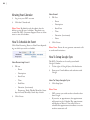
Ring Groups
•
Creating A Ring Group
•
Editing Ring Group Settings
Creating A Ring Group
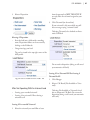
1. Log into the admin’s DYL account
2. Click the Settings tab
3. Click Ring Groups
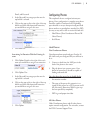
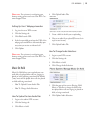
4. Click Add Ring Group
5. Give the Ring Group a name
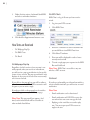
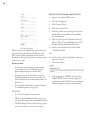
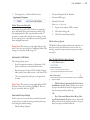
3. Click Add Group Member
To Remove An Extension
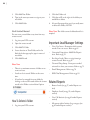
1. Click Remove From Group
2. Click Okay
Editting Ring Group Settings
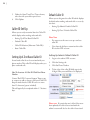
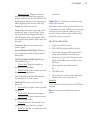
1. Login to the admin’s DYL account
2. Click the Settings tab
5