1
DYL MANUAL | 57
5
Reports
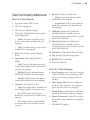
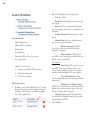
Lead Reports
•
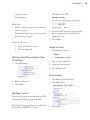
Call Result
•
Selected Leads or All Pages
•
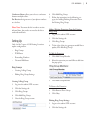
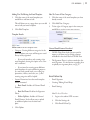
Assigned To: Narrow results down to leads only
assigned to a certain user, unassigned leads, or
Any
•
Campaign: Narrow results down to include
only leads from a certain campaign or Any
•
Folder: Narrow results down to include only
leads within a certain folder or Any
•
Lead Type: Narrow results down to include
only certain lead types (i.e. Auto, Home, etc) or
Any
•
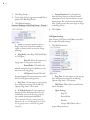
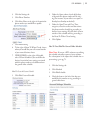
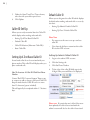
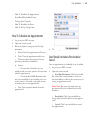
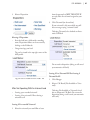
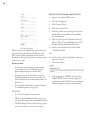
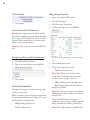
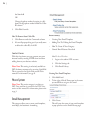
Filter through leads according to fields and export
to .csv or .excel.
Lead Source: Narrow results down to include
only certain lead sources (i.e. Upload, Call, from
a certain lead vender, etc) or Any
•
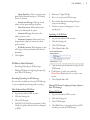
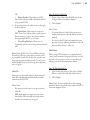
Disposition: Narrow results down to include
only leads of a certain status/disposition or Any
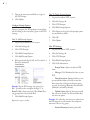
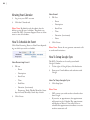
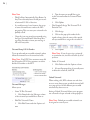
Filters Of This Report Include
•
•
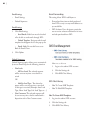
Timeframe or specify Start and End dates
Has Notes: Narrow results down to display
only leads that have notes or Any
•
Sort By: Sort results by order of most recently
received into system or most recent activity
•
Customer: Narrow results down to display only
leads that are customers, only leads that are not
customers, or Any
•
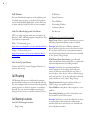
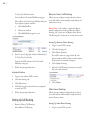
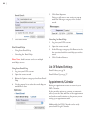
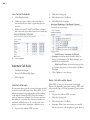
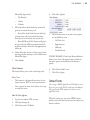
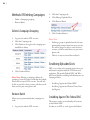
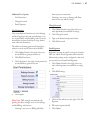
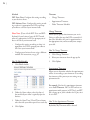
Include: (These options specify what information you would like to export):
•
Deleted: Only display leads that are or are not
deleted
•
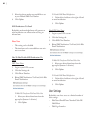
Latest Note
•
•
Lead Details
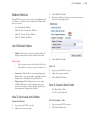
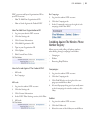
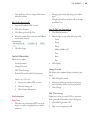
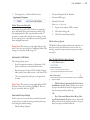
Show: Designate how many results you want to
display per page
Browse Leads