1
HxC Floppy Emulator Software User Manual
Rev.1.0 - 05/13/2013
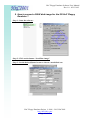
3. How to get files from a DOS disk image ?
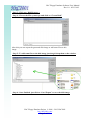
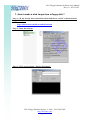
- Step 1 : Start the software
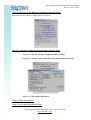
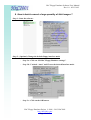
- Step 2 : Click on the button “Load”
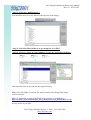
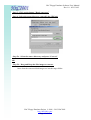
- Step 3 : Choose your disk image
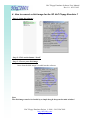
Once done the disk image is loaded into the software
Note : The disk image can also be loaded by a simple drag&drop on the main window !
HxC Floppy Emulator Project © 2006 – 2013 HxC2001
http://hxc2001.com/
Page 6 of 17