1
Qsan Document – User Manual
2.
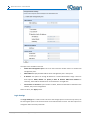
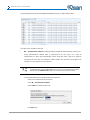
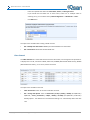
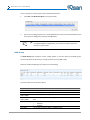
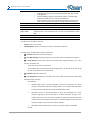
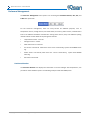
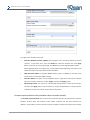
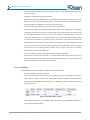
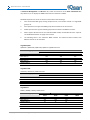
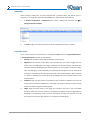
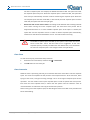
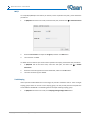
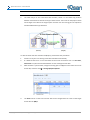
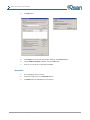
Select a Shaping Group to setup.
3.
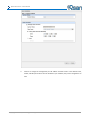
Input the bandwidth (MB) at the Peak time.
4.
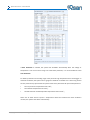
If needed, check Enable Off-Peak, and then input the bandwidth (MB) at Off-Peak time. And
define the off-peak hour.
5.
Click OK button.
6.
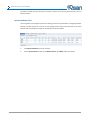
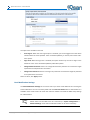
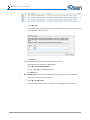
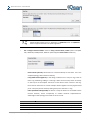
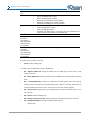
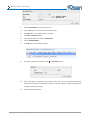
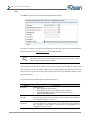
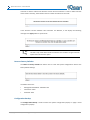
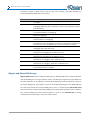
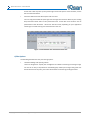
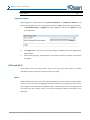
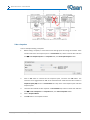
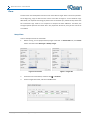
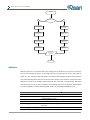
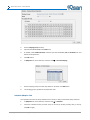
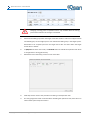
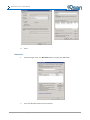
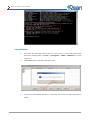
In QReplicas tab, select the task, and then click ▼ -> Set Task Shaping.
7.
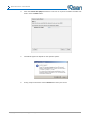
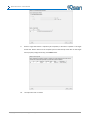
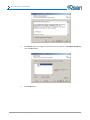
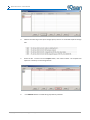
Select a Shaping Group from the drop down list. And then click OK button.
8.
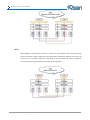
The shaping group is applied to the replication task.
Schedule QReplica Task
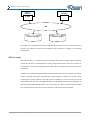
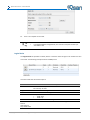
The replication task can be set by schedule such as hourly or daily. Please follow the procedures.
1.
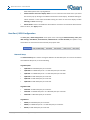
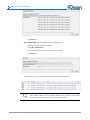
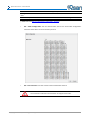
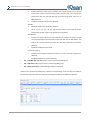
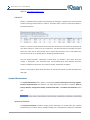
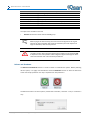
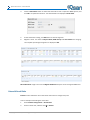
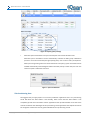
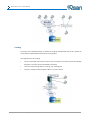
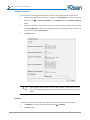
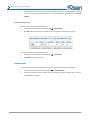
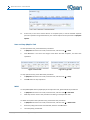
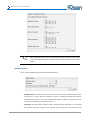
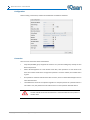
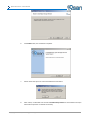
In QReplicas tab, select the task, and then click ▼ -> Schedule.
2.
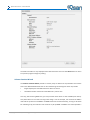
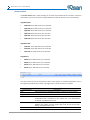
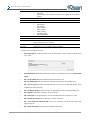
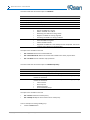
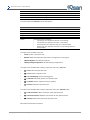
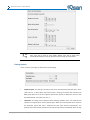
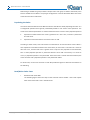
Check the schedules which you want. They can be set by monthly, weekly, daily, or hourly.
Click OK to apply.
Copyright@2004~2014 Qsan Technology, Inc. All Rights Reserved.
164