1
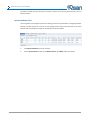
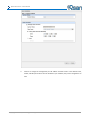
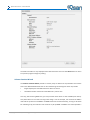
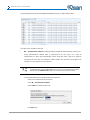
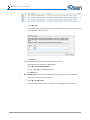
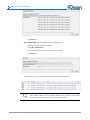
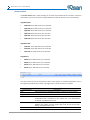
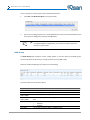
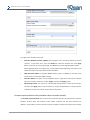
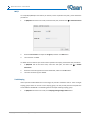
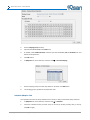
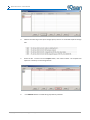
Qsan Document – User Manual achieves the threshold, system will take a snapshot and start replication process automatically. The purpose of threshold could prevent the incremental copy failure immediately when running out of the snapshot space. For example, the default threshold is 50%. The system will check the snapshot space every hour. When the snapshot space is used over 50%, the system will start replication job automatically. And then continue monitoring the snapshot space. When the rest snapshot space has been used 50%, in other words, the total snapshot space has been used 75%, the system will start replication task again. Restart the task an hour later if failed: The setting will be effective after enabling schedule replication. When running out of the snapshot space, the virtual disk replication process will be stopped because there is no more available snapshot space. If this option is checked, the system will clear the snapshots of replication in order to release snapshot space automatically, and the replication task will be restarted after an hour. This task will start a full copy. CAUTION: The default snapshot space allocated by the system is two times the size of source virtual disk. That is the best value of our suggestion. If user sets snapshot space by manually and lower than the default value, user should take the risk if the snapshot space is not enough and the replication task will fail. Delete QReplica Task To delele the replication task, please follow the procedures. 1. Select the task in QReplicas tab, and then click ▼ -> Delete. 2. Click OK button to delete the replication task. Clone Transfers to QReplica It is always being a problem that to do full copy over LAN or WAN when the replication task is executed at the first time. It may take days or weeks to replicate data from source to target within limited network bandwidth. We provide two methods to help user shorten the time of executing full copy. 1. One is to skip full copy on a new, clean virtual disk. The term “clean” means that the virtual disk has never been written data since created. For a new created virtual disk which has not been accessed, the system will recognize it and skip full copy automatically when the replication task is created on this virtual disk at the first time. TIP: Any I/O access to the new created virtual disk will make it as “not clean”, even though executing “Erase” function when a virtual disk is created. The full copy Copyright@2004~2014 Qsan Technology, Inc. All Rights Reserved. 166