1
Qsan Document – User Manual
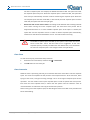
4.
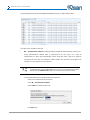
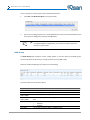
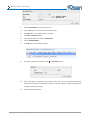
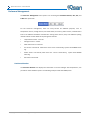
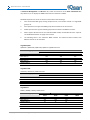
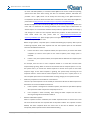
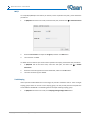
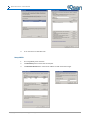
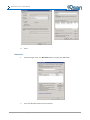
Click OK button.
5.
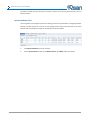
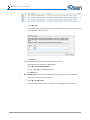
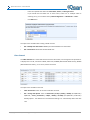
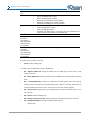
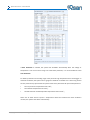
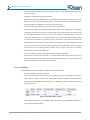
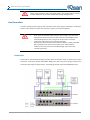
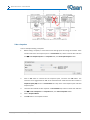
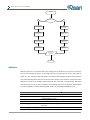
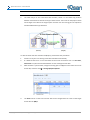
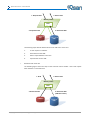
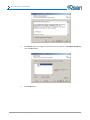
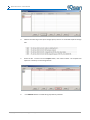
Click Targets tab, select the second path, and then click Connect button.
6.
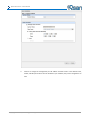
Enable Enable multi-path checkbox. Then click OK button.
7.
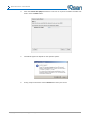
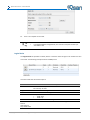
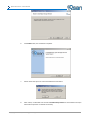
Done, it can connect to an iSCSI disk with MPIO.
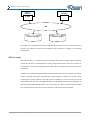
Setup MC/S
1.
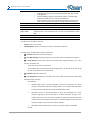
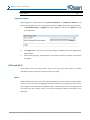
If running MC/S, please continue.
2.
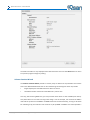
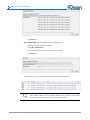
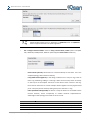
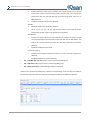
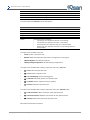
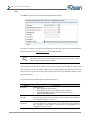
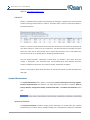
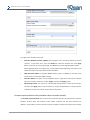
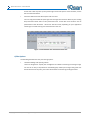
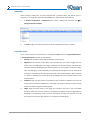
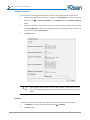
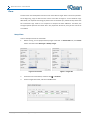
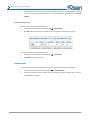
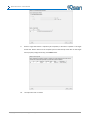
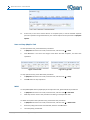
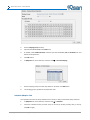
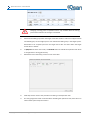
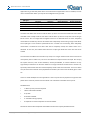
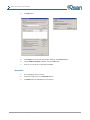
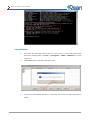
Select one target name, click Properties button.
3.
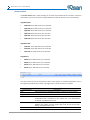
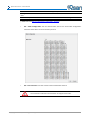
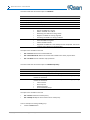
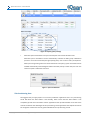
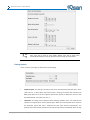
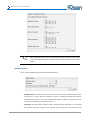
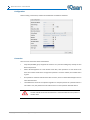
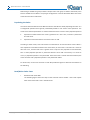
Click MCS button to add additional connections.
Copyright@2004~2014 Qsan Technology, Inc. All Rights Reserved.
190