1
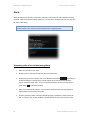
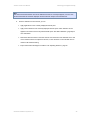
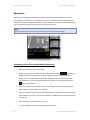
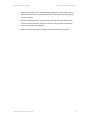
Alerts
Ocularis Client User Manual
Alert Manager
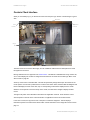
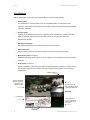
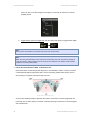
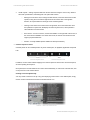
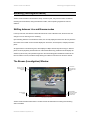
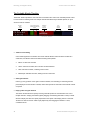
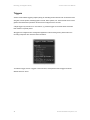
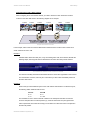
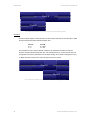
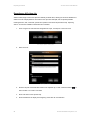
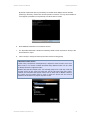
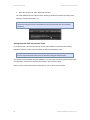
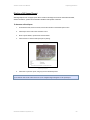
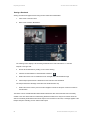
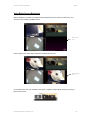
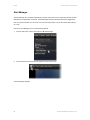
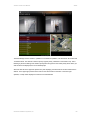
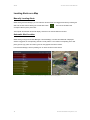
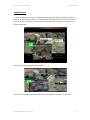
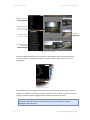
The Alert Manager screen contains 4 quadrants. In the lower left quadrant, is an alert list for all received and
‘unhandled’ alerts. The alert list is sorted in priority: highest priority, indicated in red is listed on top. This is
following by the olive shading of the medium priority alerts and green for the lowest priority alerts. When you
click the alert to be displayed, the row is shaded purple.
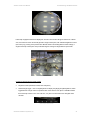
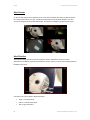
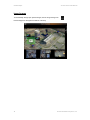
Above the alert list in the upper left quadrant is a pane displaying recorded video of the alert selected in the
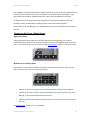
alert list. In the upper right quadrant is live video for the camera found in the alert. In the lower right
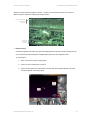
quadrant, is a map which displays the camera for the selected alert.
On-Net Surveillance Systems, Inc.
69