1
Enroll Participants
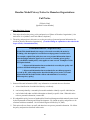
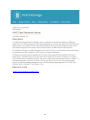
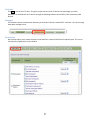
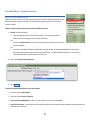
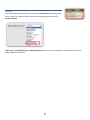
Enroll Participants is dependent on the Program chosen at the top of the screen. The
clients are automatically enrolled in the Program showing, so be sure to pick the correct
one first.
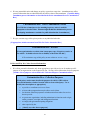
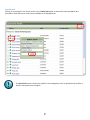
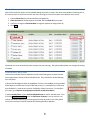
1. Search for the Participant by Last Name, SSN or Family Name. Or leave blank for
All.
2. The search results will be only those NOT ALREADY ENROLLED in that particular
Program, including any Participants that have previously been Dismissed or are
currently enrolled in another program within the organization or site.
3. Check the box(es) next to the Participants to be Enrolled, and click the Enroll
button at the bottom of the screen.
A Participant can be enrolled in many programs at the same time.
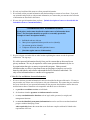
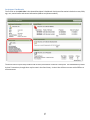
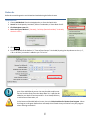
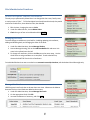
Update demographic info using Add Demo. By Group
Demographic information (DOB, SSN, Gender, Ethnicity, Cell Phone) may not be available
during the initial data entry. Over time, the gaps in the data add up to significant gaps in
the Reports.
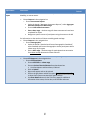
To find and update missing data all at once, use Add Demo. By Group.
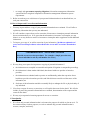
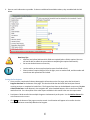
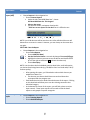
1. Choose the Field from the list of available choices.
2. Choose Participant to change information for individuals, or Group to change information for the full family.
Some fields (like cell phone) are appropriate for the “Make the Same” button you’ll find in Group.
19
47