1
File Name: \lsp\surv1.lsp
Split Text into Two Lines
Function
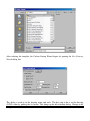
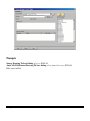
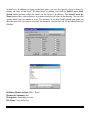
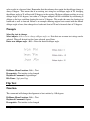
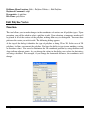
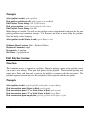
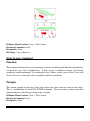
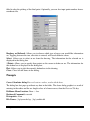
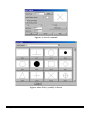
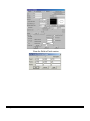
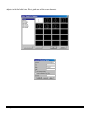
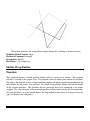
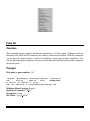
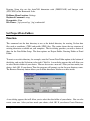
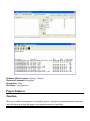
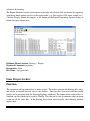
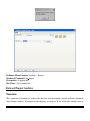
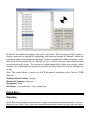
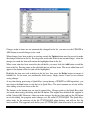
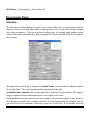
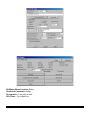
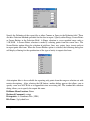
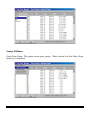
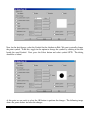
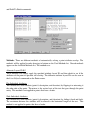
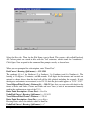
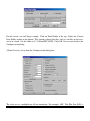
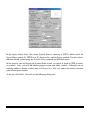
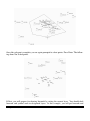
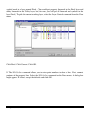
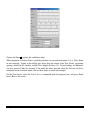
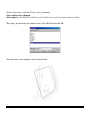
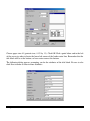
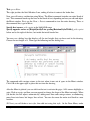
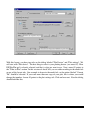
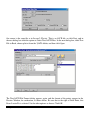
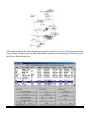
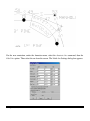
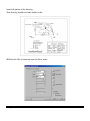
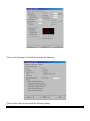
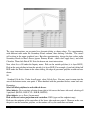
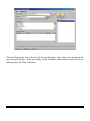
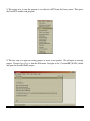
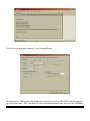
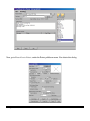
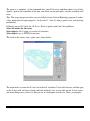
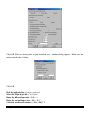
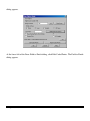
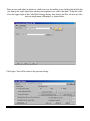
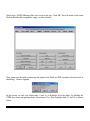
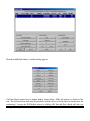
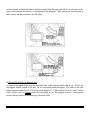
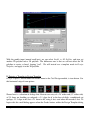
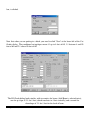
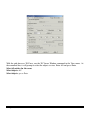
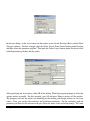
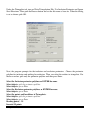
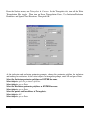
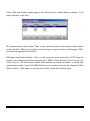
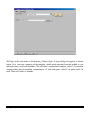
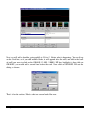
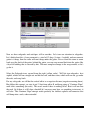
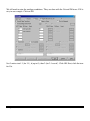
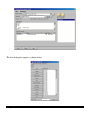
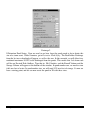
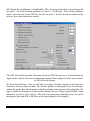
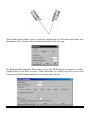
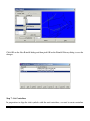
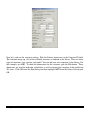
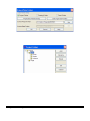
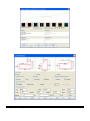
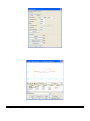
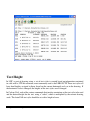
This tool allows you to break a single line of TEXT into two separate lines. First, select the text
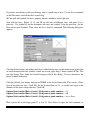
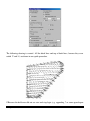
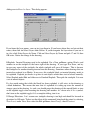
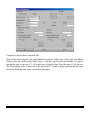
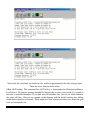
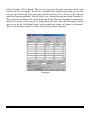
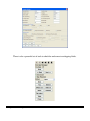
string you would like to break. The Text Break dialog then appears. Initially, the slider is all the
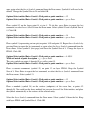
way to the right. Begin dragging it toward the left until it reaches the point where the split is at
the desired position. Then choose OK to complete the break operation.
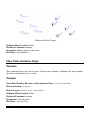
Pulldown Menu Location: Edit > Text
Keyboard Command: txtbrk
Prerequisite: Text entity to break
File Name: \lsp\txtbrk.lsp
Text Explode To Polylines
Function
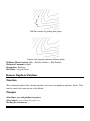
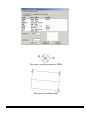
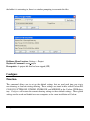
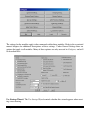
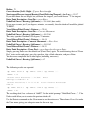
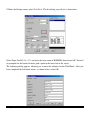
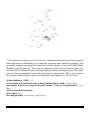
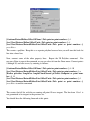
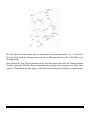
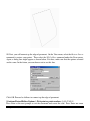
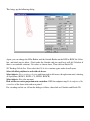
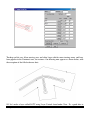
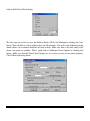
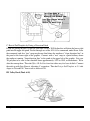
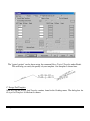
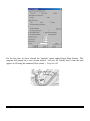
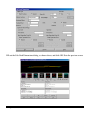
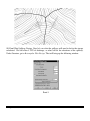
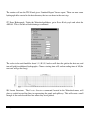
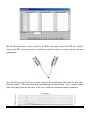
This command converts the selected text into polylines. This function is generally used when
preparing a plan view file for machine control, before using the Write Polyline File command.
Prompts
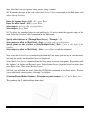
Select text to be EXPLODED.
Select objects: select the text
Chapter 2. General Commands
77