1
Defining and Using Key Macros
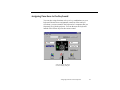
You can use key macros to assign your own customized functions to
Effects buttons.
Follow these steps to define a key macro:
1. Select Key Macro as the function for an Effects button. (See
“Assigning Functions to the Effects Buttons” on page 102 for
details.)
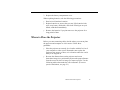
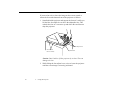
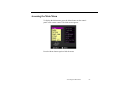
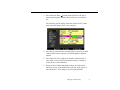
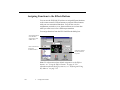
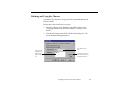
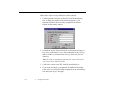
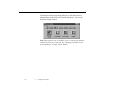
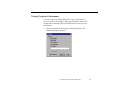
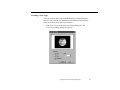
2. Click Detail Setting on the ELP Link III main dialog box. You
see the Detailed Setting dialog box:
all key macros
assigned to this
Effects button
appear in this
list
enter the key macro
here
click here to save the
key macro and add it to
the Register Key list
Assigning Functions to the Effects Buttons
109