1
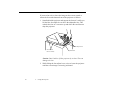
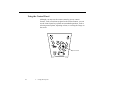
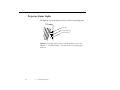
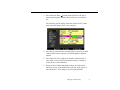
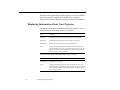
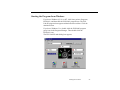
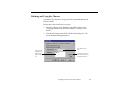
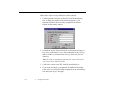
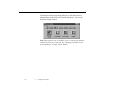
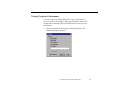
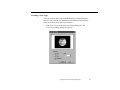
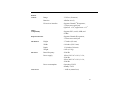
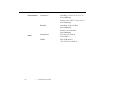
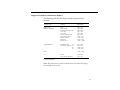
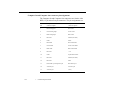
To display the Projector Setting dialog box, click the Projector
Setting button on the ELP Link III main dialog box. You see the
Projector Setting window:
Note: Some options aren’t available if you’re running the software
without the projector connected. See “Bringing out detail in your
projected image” on page 128 for details.
116
4 • Using ELP Link III