Download ATCA-7368 Basic Blade Services Programmer`s Reference
Transcript
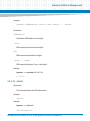
Installing the Basic Blade Services Software
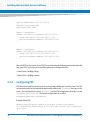
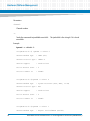
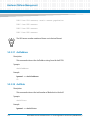
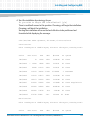
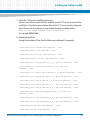
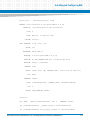
option subnet-mask 255.255.255.0;
default-lease-time 600;
max-lease-time 7200;
#Base 1 interfaces
subnet 192.168.21.0 netmask 255.255.255.0 {
range 192.168.21.100 192.168.21.125;
option broadcast-address 192.168.21.255;
}
#Base 2 interfaces
subnet 192.168.22.0 netmask 255.255.255.0 {
range 192.168.22.100 192.168.22.125;
option broadcast-address 192.168.22.255;
}
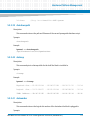
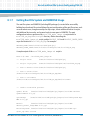
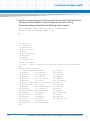
Restart DHCP service on your Linux DHCP server by issuing the following commands and make
sure your DHCP service starts successfully against your configuration files:
#/etc/init.d/dhcp stop
#/etc/init.d/dhcp start
2.2.4
Configuring PXE
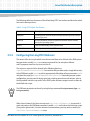
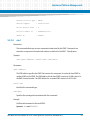
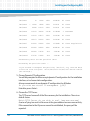
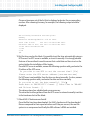
PXE determines which kernel and root file system image a blade gets from the server. The PXE
environment as well as the bootable images usually reside in the /tftpboot directory on the
server. The initial boot file is called pxelinux.0 and the PXE configuration directory is in the
/tftpboot/pxelinux.cfg. The default configuration file is called
/tftpboot/pxelinux.cfg/default.
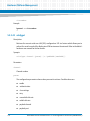
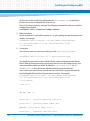
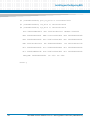
Example default file:
DEFAULT ATCA7368/kernel ramdisk_size=716800 console=ttyS0,9600n8
initrd=ATCA7368/ramdisk.image.gz root=/dev/ram0 ip=none ro pci=lastbus=255
quiet nopat
30
Basic Blade Services Software on ATCA-7368 Programmer’s Reference (6806800L95C)