1
Chapter 8: Commands
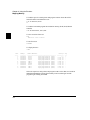
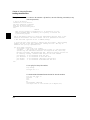
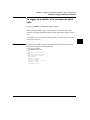
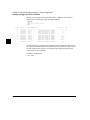
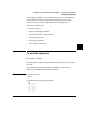
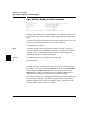
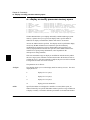
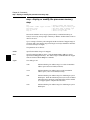
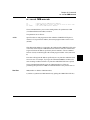
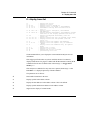
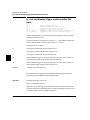
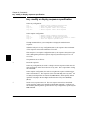
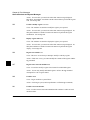
cmbt - specify control of the rear panel CMB trigger signal
cmbt - specify control of the rear panel CMB
trigger signal
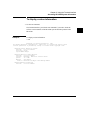
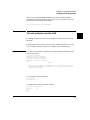
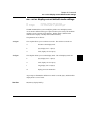
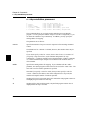
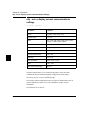
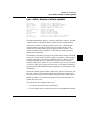
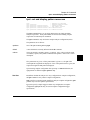
cmbt
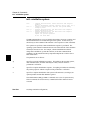
cmbt -d <dtype>
cmbt -r <rtype>
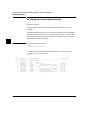
- display current cmbt set up
- rear panel CMB drives trig(1,2) signal(s)
- rear panel CMB receives trig(1,2) signal(s)
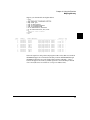
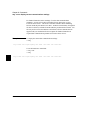
--- NOTES --All option combinations are accepted:
’cmbt -d trig1,trig2 -r trig1,trig2’
is a valid command
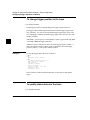
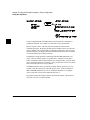
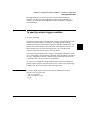
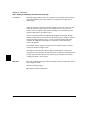
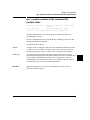
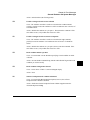
The cmbt command allows you to specify which of the internal trig1/trig2 trigger
signals will drive and/or receive the rear panel CMB (Coordinated Measurement
Bus) trigger. You can specify the signals individually, as an ORed condition for
drive, or as an ANDed condition for receive; or, you can specify that the signals are
not to be driven and/or received.
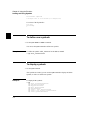
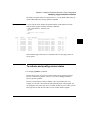
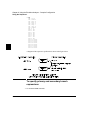
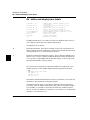
If no options are specified, the current setting of cmbt is displayed. Upon powerup,
cmbt is set to cmbt -d none -r none.
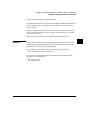
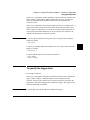
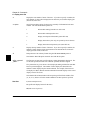
The parameters are as follows:
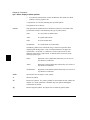
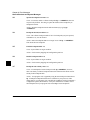
-d
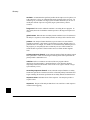
Specifies that the rear panel CMB TRIGGER line drives the internal trigger signals,
trig1 and trig2.
-r
Specifies that the rear panel CMB receive the internal trigger signals, trig1 or trig2,
and send them out on the CMB TRIGGER line.
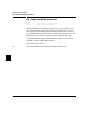
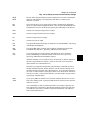
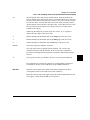
<dtype>
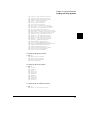
The valid drive options are:
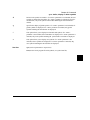
<rtype>
trig1
When the CMB TRIGGER signal is received, drive trig1 signal.
trig2
When the CMB TRIGGER signal is received, drive trig2 signal.
none
When the CMB TRIGGER signal is received, drive neither
signal.
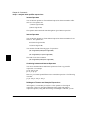
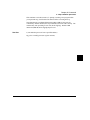
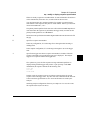
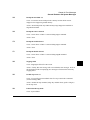
The valid receive options are:
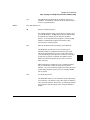
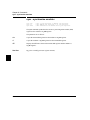
trig1
When trig1 signal goes true, send out the CMB TRIGGER
signal.
227