1
Chapter 5: Using the Emulation Analyzer - Easy Configuration
Displaying Traces
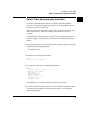
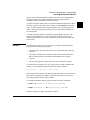
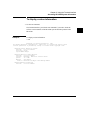
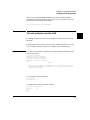
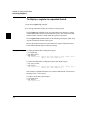
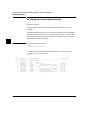
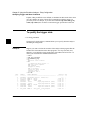
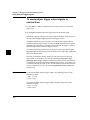
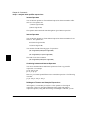
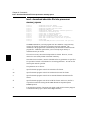
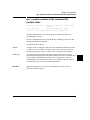
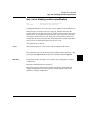
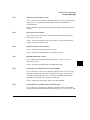
To change the trace display format
• Use the tf command.
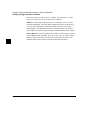
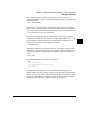
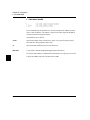
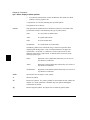
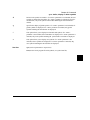
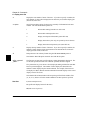
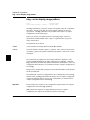
You can change the format of the trace information with the tf (trace format)
command.
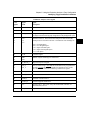
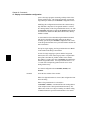
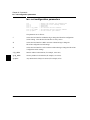
The tf command primarily allows you to arrange the columns of trace information
in a different manner. However, you can include any trace label in the trace. Also,
the trace label information can be displayed in various number bases, and counts
can be displayed relative or absolute.
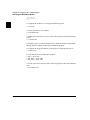
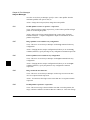
Examples
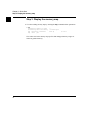
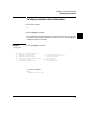
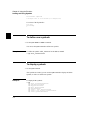
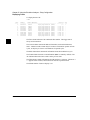
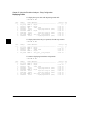
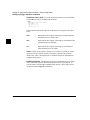
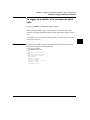
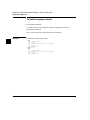
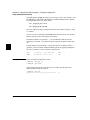
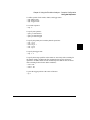
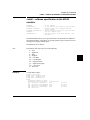
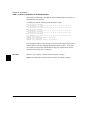
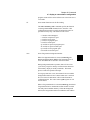
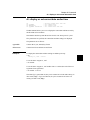
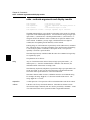
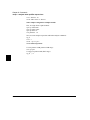
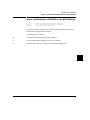
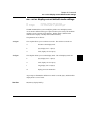
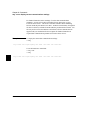
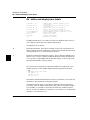
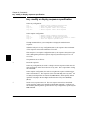
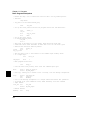
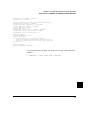
To view the trace display format:
U>tf
tf addr,H mne count,R seq
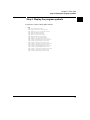
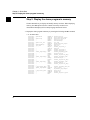
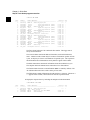
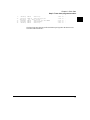
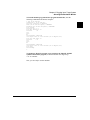
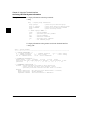
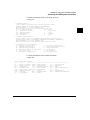
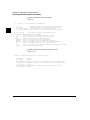
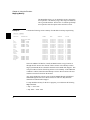
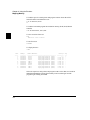
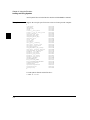
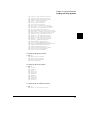
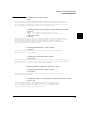
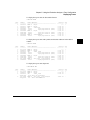
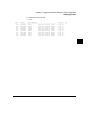
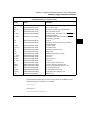
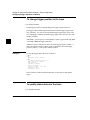
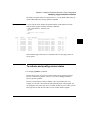
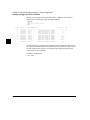
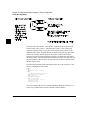
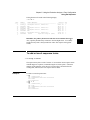
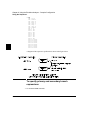
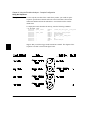
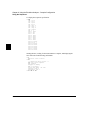
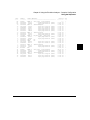
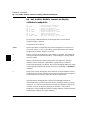
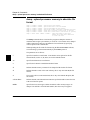
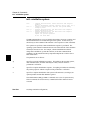
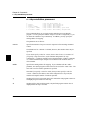
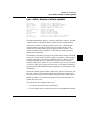
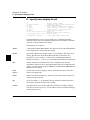
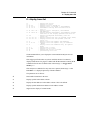
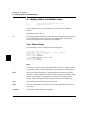
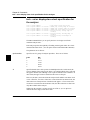
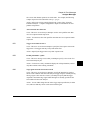
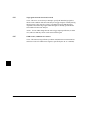
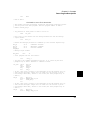
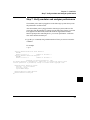
To change the trace format so that the address column is 11 characters wide:
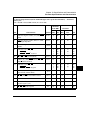
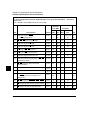
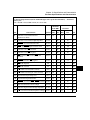
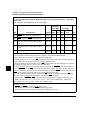
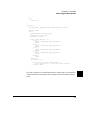
U>tf addr,h,11 mne count,r seq
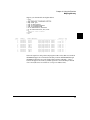
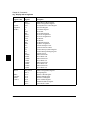
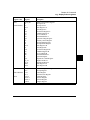
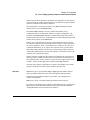
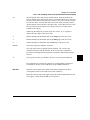
U>tl -t
Line
----0
1
2
3
4
5
6
7
8
9
150
addr,H
----------for_loop
00000a7c
00000a7e
00000a80
00000a82
00000a84
00047fd0
00047fd2
rand:_rand
00001054
68340 Mnemonic
---------------------------------------MOVE.L
D5,D3
MOVE.L
D2,D5
JSR
rand:_rand
$0000
supr prgm word rd (ds16)
$1052
supr prgm word rd (ds16)
MOVE.L
D0,D2
$0000
supr data long wr (ds16)
$0A84
supr data word wr (ds16)
MOVE.L
data_gen:__rand_seed,D0
$0006
supr prgm word rd (ds16)
count,R
----------0.720 uS
0.720 uS
0.720 uS
0.720 uS
0.720 uS
0.680 uS
0.720 uS
0.720 uS
0.720 uS
seq
--+
.
.
.
.
.
.
.
.
.