1
10.6. Scan Results Overview
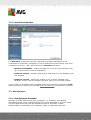
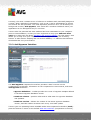
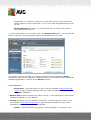
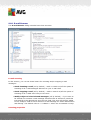
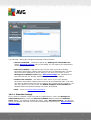
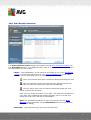
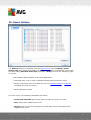
The Scan results overview dialog is accessible from the AVG scanning interface via
the Scan history button. The dialog provides a list of of all previously launched scans
and information of their results:
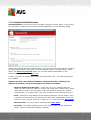
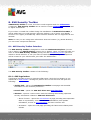
· Name - scan designation; it can either be the name of one of the predefined
scans, or a name you have given to your own scheduled scan. Every name
includes an icon indicating the scan result:
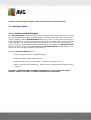
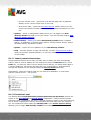
- green icon informs there was no infection detected during the scan
- blue icon announces there was an infection detected during the
scan but the infected object was removed automatically
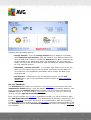
- red icon warns there was an infection detected during the scan
and it could not be removed!
Each icon can either be solid or cut in half - the solid icons stands for a
scan that was completed and finished properly; the cut-in-half icon
means the scan was canceled or interrupted.
Note: For detailed information on each scan please see the Scan
Results dialog accessible via the View details button (in the bottom
part of this dialog).
· Start time - date and time when the scan was launched
A V G A nti- V irus 2 0 1 1 © 2 0 1 0 C opyright A V G T ec hnologies C Z, s .r.o. A ll rights res erved.
143