1
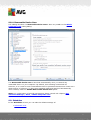
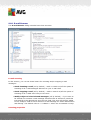
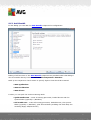
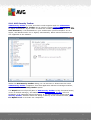
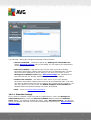
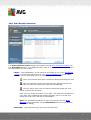
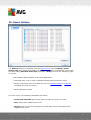
8.2.4. Tab Advanced Options
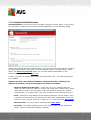
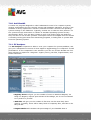
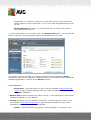
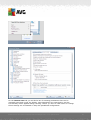
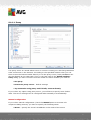
On the Advanced Options tab first select what search engine you want to use as
default. You have the choice of Yahoo!, Baidu, WebHledani, and Yandex. Having
changed the default search engine, please restart your internet browser for the
change to take effect.
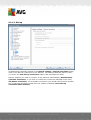
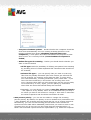
Further, you can activate or switch-off further specific AVG Security Toolbar settings
(the listed caption refers to the default Google settings):
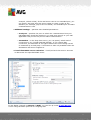
· Set and keep Google as the search provider for Address bar - if marked,
this option allows you to type a search keyword directly into the address bar
into your Internet browser and the Google service will be used automatically to
search for relevant websites.
· Let AVG make suggestion on browser navigation errors (404/DNS) - if
when searching the web you run into a non-existing page, or a page that
cannot be displayed (404 error), you will be automatically redirected to a web
page that allows you to select from an overview of alternative topic-related
pages.
· Set and keep Google as the search provider - Google is the default search
engine for web search within AVG Security Toolbar, and activating this option
it can also become your web browser default search engine.
A V G A nti- V irus 2 0 1 1 © 2 0 1 0 C opyright A V G T ec hnologies C Z, s .r.o. A ll rights res erved.
66