1
14. Using the Main Program
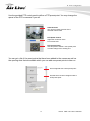
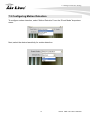
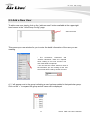
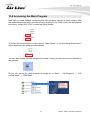
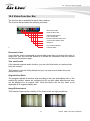
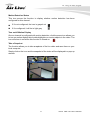
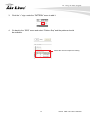
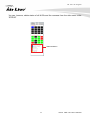
Right-click anywhere on the pop-up window will give you the option to save the
snapshot.
right-click
* The snapshot is automatically saved in a pre-defined folder under the directory where the
program is installed.
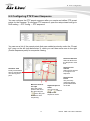
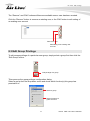
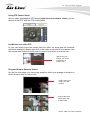
PTZ Control Indicator
You are able to control one PTZ camera at a time and this icon tells users which
camera is currently selected for PTZ action.
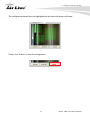
The video window will also be highlighted with blue color to indicate it’s currently
being selected.
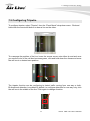
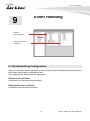
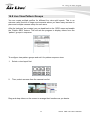
PTZ icon shown in
red meaning this is a
PTZ camera, or it
would grayed out.
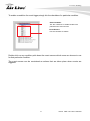
* If the icon indicates in
red: Mouse- over-video
PTZ is enabled.
highlighted with blue
color
PTZ control indicator displays in green:
digital PTZ is enabled
* Digital PTZ function is only available for the
“non-PTZ types of cameras)
44
AirLive CMS Lite User’s Manual