1
Micriµm
µC/OS-II and µC/Probe for the NXP LPC2478 CPU
To communicate with the board through RS-232, connect a serial cable between the evaluation board
serial port and your PC and open a HyperTerminal or any Terminal program window. Configure the RS232 interface with the following settings:
Bits per Second: 115200
Data bits 8
Parity: None
Stops bits: 1
Flow Control: None
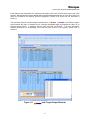
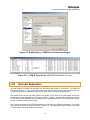
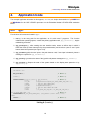
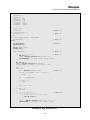
Figure 2-3. Example Application serial output
The RS-232 port labeled as “UART #2” is used for µC/Probe (at 115200 baud), which allows you to view
(in real-time) the value of static / global variables in the target system.
2.05.0
Additional Information
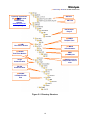
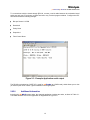
Including the µC/OS-II system tasks, the example application includes ten tasks, as listed in Table 2-1.
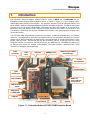
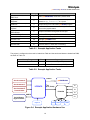
The board hardware used in the application is diagrammed in Figure 2-4.
13