1
ENCODER UC-250E+ USER MANUAL
________________________________________________________________
OPERATION GUIDE
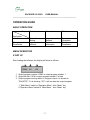
BASIC OPERATION
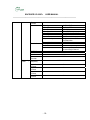
Step
Application
Installation
Change
Parameters
First
Second
Third
Network
Setting
Logon
Network
Logon
Network
Read
Information
Read
Information
Modify
Parameters
MENU OPERATION
START UP
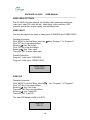
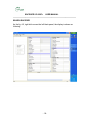
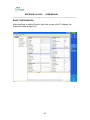
After loading the software, the display will show as follows:
PGM1
PGM2
6.0
6.0
Unlock
Off
1. Output program number: PGM1 is output program number 1
2. Output bit rate: 6.0 M is output program number 1 bit rate
3. Output program running status: if a signal is input, it is shown as
“PAL/NTSC”, if it is showing “Off”, it will not start the output program.
1.” Main Menu” switch to “Operation Menu”: click “Menu” key
2.”Operation Menu” switch to “Main Menu” : click “Menu” key
-7-