1
8.4.4.
Retrieve Information
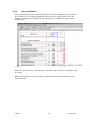
When you have defined all cells in your template (in the example above: Cell E8 to E25) and
entered all actual values (in the example: Period, Company, Currency and Code) you can
retrieve the requested data. The data is fetched (refreshed) from the AARO database only when
you actually command it to be, and you do that through the AARO menu in Excel.
Follow the instructions below:
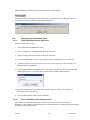
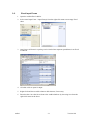
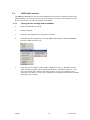
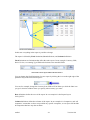
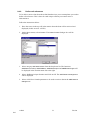
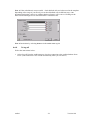
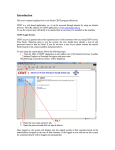
1. Select one of the items under ABS Retrieve Formulas > on the AARO menu.
The three menu items differ only in how much of Excel they recalculate. Retrieve All
refreshes AARO formulas throughout all open workbooks; Retrieve Sheet Only refreshes
only the current worksheet; Retrieve Multiple Sheets lets you select a number of individual
sheets to be refreshed.
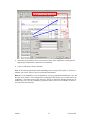
2. Excel calculates the workbook and the relevant information will be displayed in the
workbook.
AARO
57
Version 10.0