1
Part 6: HDT Util
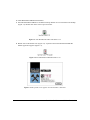
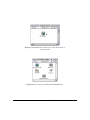
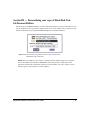
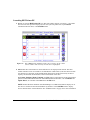
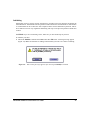
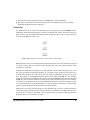
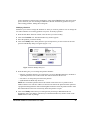
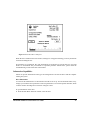
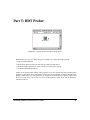
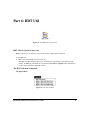
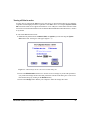
Figure 6.1: The HDT Utilª application
HDT Util: for System 6 users only
HDT Util allows you to customize some crucial settings of Apple System Software.
To use HDT Util:
1. Double-click on the HDT Util icon (Figure 6.1).
The HDT Util application becomes active. No dialog box is presented, but the menu bar will
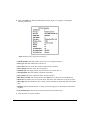
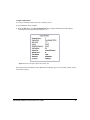
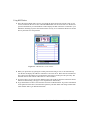
change. All HDT Util commands are accessed through the File and Special menus. Information
on these menus and menu commands follows.
The HDT Util menu commands
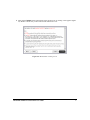
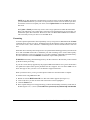
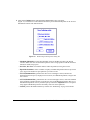
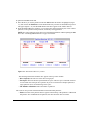
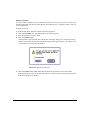
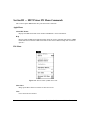
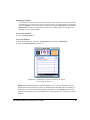
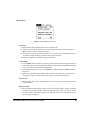
The Special Menu
Figure 6.2: The Special Menu
Hard Disk ToolKit¥Personal Edition User Guide
47