1
LIBPF_USR_manual_en.odt
2015/04/21
Troubleshooting
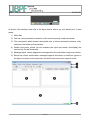
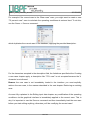
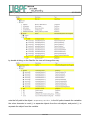
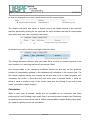
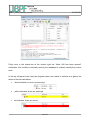
If for any reason the current case is no longer of interest, you can delete it from the
database with the Cases → Delete command:
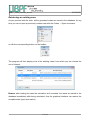
Note: the command is available only after having loaded the case.
Nota bene: the deletion of a case is an irreversible process, and does not require
confirmation: proceed with caution!
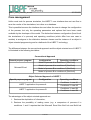
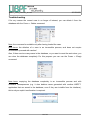
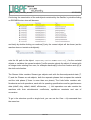
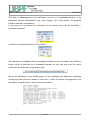
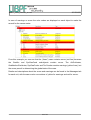
Also, if there are too many cases in the database, or you want to reset the work done, you
can clear the database completely. For this purpose you can use the Cases → Empty
command:
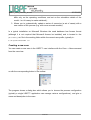
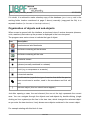
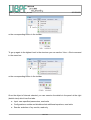
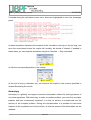
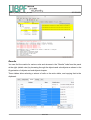
Nota bene: emptying the database completely is an irreversible process and with
extensive consequences (e.g. it also deletes cases generated with another LIBPF™
application that are saved in the database, even if they are invisible from the interface),
this is why an explicit confirmation is required:
12 of 43