1
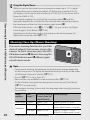
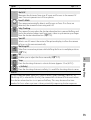
MP file ---------------------------------------------------------------------------------MP is a file format for recording a set of still images.
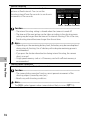
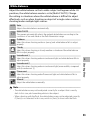
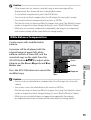
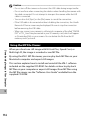
Caution --------------------------------------------------------------------------------• The flash cannot be used.
• The [Time Exposure] setting is disabled (GP.75).
• The camera shake correction function cannot be used. If [Multi-trgt AF] is set
while the camera shake correction function is turned on, E changes to F.
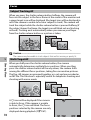
Note ------------------------------------------------------------------------------------• If this function is turned on when using the digital zoom, the digital zoom is
disabled and shooting is performed at the maximum magnification for the
optical zoom (10.7 ×).
• [White Balance] functions according to the [Auto] setting even if it is set to
[Multi-P AUTO].
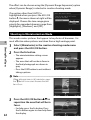
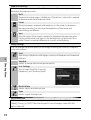
Manual Focus (MF)
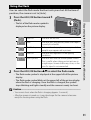
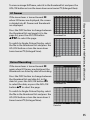
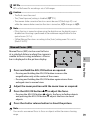
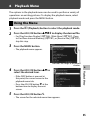
Manual focus (MF) can be used to focus
at a selected distance when the camera is
unable to focus using autofocus. A focus
bar is displayed in the picture display.
9999
4:33 F
5
1
2
3
4
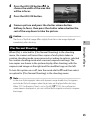
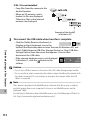
Press and hold the ADJ./OK button as required.
• Pressing and holding the ADJ./OK button increases the
magnification only at the center of the screen.
• Pressing and holding the ADJ./OK button again returns from
enlarged view to normal view.
Shooting Menu
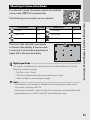
Hold :
Adjust the zoom position with the zoom lever as required.
Press the ADJ./OK button !" to adjust the focus.
• Pressing the ADJ./OK button ! adjusts the focus to farther objects
and pressing the ADJ./OK button " adjusts the focus to closer
objects.
Press the shutter release button to shoot the picture.
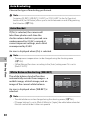
Note ------------------------------------------------------------------------------------You can also use manual focus to focus on objects within the macro shooting
range.
79