1
Section 4
System Settings
Changing Communication Conditions
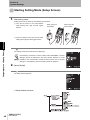
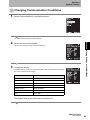
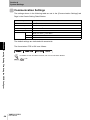
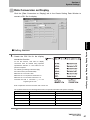
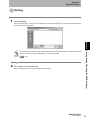
1. Select [Communication] in the Setup window.
The Setup Communication window appears.
Section 4 Making Settings on the Main Body
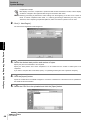
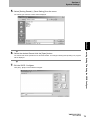
2. Select the item to be changed.
The cursor moves to the right of the selected item.
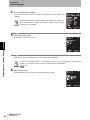
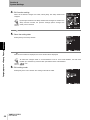
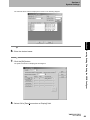
3. Change the setting.
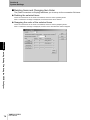
Available settings are shown in the table below. After a new setting is selected,
the cursor moves to the item field.
Setting item
Settings
Baud rate (BaudRate)
9,600*,
Parity
None*/Odd/Even
Data length (DataLength)
7bits or 8 bits*
Stop Bit (StopBit)
1 bit* or 2 bits
Header (Prefix)
None*/STX/ESC
Footer (Suffix)
ETX/LF/CR*/CR+LF
FCS
ON or OFF*
19,200, or 38,400
The default settings are indicated with an asterisk.
V400-H111/211
User’s Manual
49