1
Chapter 5
5.3.3 Input Channels and Sets .....................................................
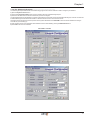
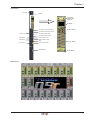
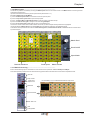
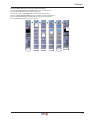
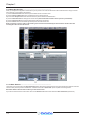
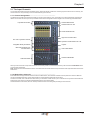
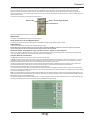
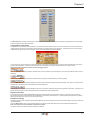
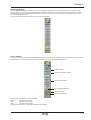
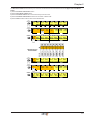
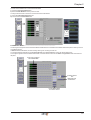
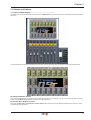
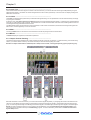
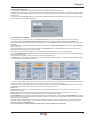
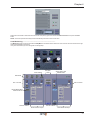
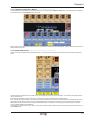
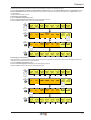
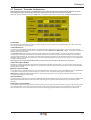
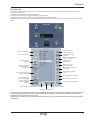
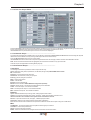
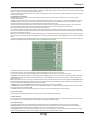
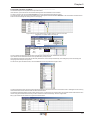
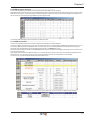
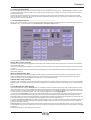
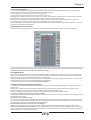
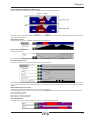
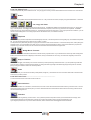
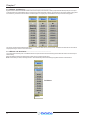
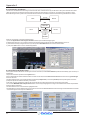
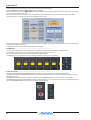
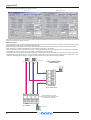
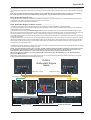
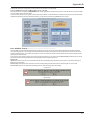
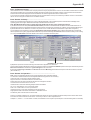
The small microphone icon represents the Input Channel list.
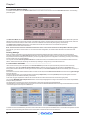
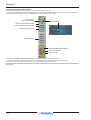
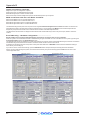
In this window, input channels can be named and assigned to sets and aliases can be created.
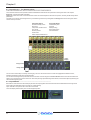
To name a channel, left click in the Current Name box for the required channel and type a name.
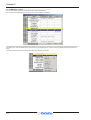
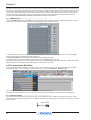
To create an alias, right click in the Current Name box for the required channel and select Add Alias. This will create a new alias column
and this can be named by left clicking in the box and typing.
Tom
Dick
Harry
Mary
Kylie
Annie
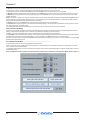
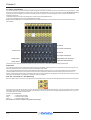
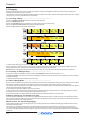
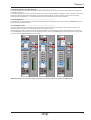
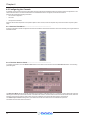
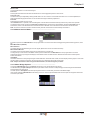
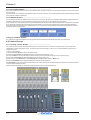
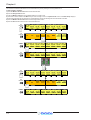
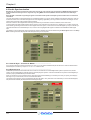
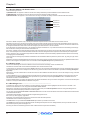
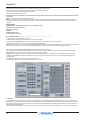
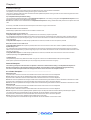
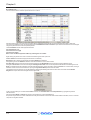
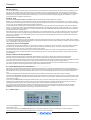
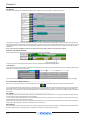
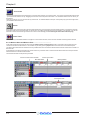
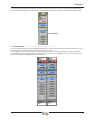
Right clicking in the Channel Name box provides options to clear the current Set
assignment or to add an Alias for the channel
Tom
Tom 2
Tom 3
Dick
Harry
Tom
Tom 2
Tom 3
Dick
Harry
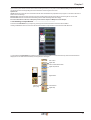
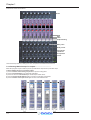
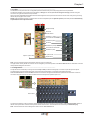
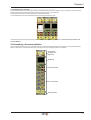
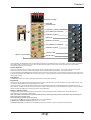
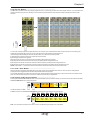
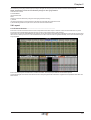
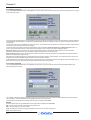
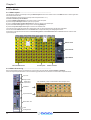
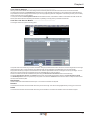
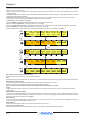
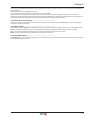
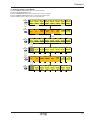
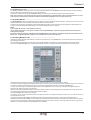
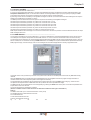
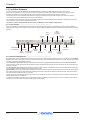
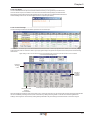
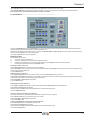
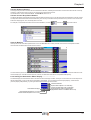
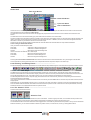
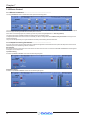
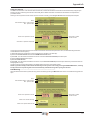
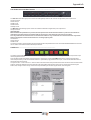
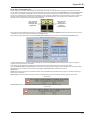
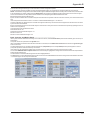
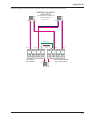
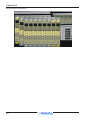
The icon with the small microphone with the coloured boxes represents the user defined Sets of channels.
Up to 32 Sets can be defined and each one is represented by a unique colour.
Once defined, these Sets of channels can be easily selected for Control Group membership, thus making the process of creating and
changing Control Groups much quicker.
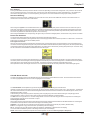
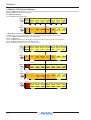
To name a Set, open the Sets window, click in the Title box for the required Set and type a name.
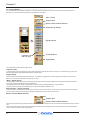
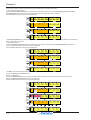
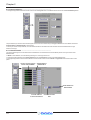
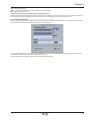
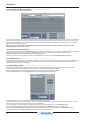
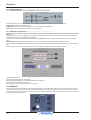
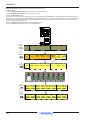
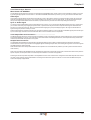
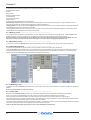
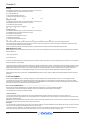
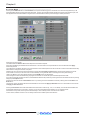
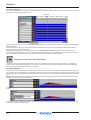
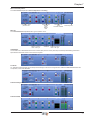
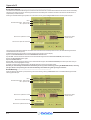
To assign channels to Sets, open the Input Channels window and click in the relevant box in the Sets column. Holding the mouse over any
of the boxes will show the name of the Set to make selection easier.
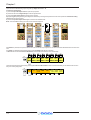
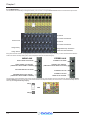
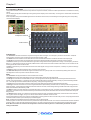
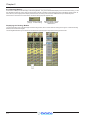
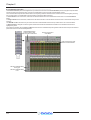
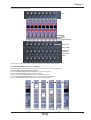
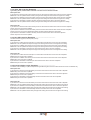
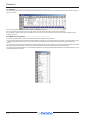
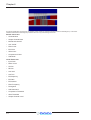
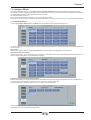
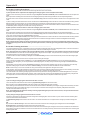
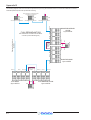
The following example relates to the list of Sets above and you can see that Tom, Dick and Harry are members of Sets that have their own
name in red, green and dark blue but they are also members of a Set named "Boys" which is a lighter blue.
Mary, Kylie and Annie are members of a yellow Set named "Girls".
Tom
Dick
Harry
Mary
Kylie
Annie
5-15