1
AccessManager Professional
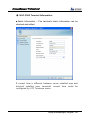
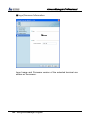
■ Basic Information
●
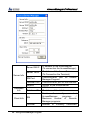
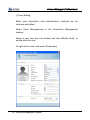
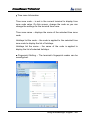
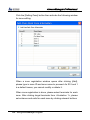
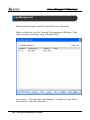
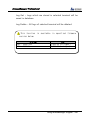
User ID – Enter a unique user ID.
ID length can be changed according to server and terminal
settings. Enter an ID with the length determined in the server
settings and administrator registration.
User Name – Enter the user name to be displayed on the
server and terminal. (Up to 29 characters)
●
The user ID and user name must be entered.
Using AccessManager Program - 65