1
Screen Menu
19
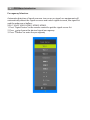
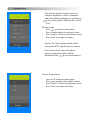
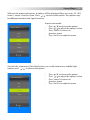
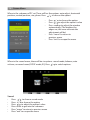
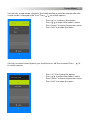
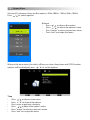
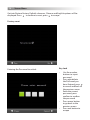
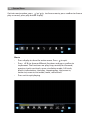
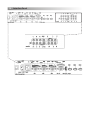
Within the set menu, there are five options: OSD language, Restore Factory Default,
3D type Bypass, 3D_LR L, Blen ding, Key Lock, Set Password. Press / to switch
options.
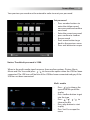
Set
•
•
•
•
•
•
Press / to choose set menu
Press / to choose the option
Press enter to get into submenu
Press / to adjust the option’s value
Press “menu” to return to previous menu
Press “exit” to escape the menu
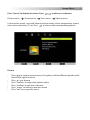
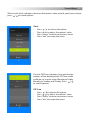
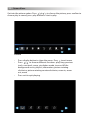
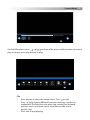
Get into OSD language menu, Chinese and English options will be displayed, press
/ to switch options.
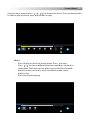
Menu Language
• Press /
to choose the option
• Press / to adjust the option’s value
• Press “menu” to return to previous menu
• Press “exit” to escape the menu