1
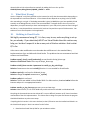
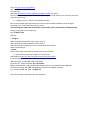
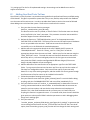
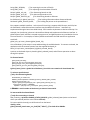
The command line options are described in the screenshot above. The command interpreter mode
gives a prompt and accepts commands on stdin rather than displaying a menu system. This is the mode
that allows the program to be used in scripting or right on the command line, as follows:
echo “set_clock G0 200” | emu_cmd_linux –c
Note that this will only work if Emu has previously been run and connected to the target board, thus
saving the target board’s information in the emu.ini file for auto-connection when Emu starts up.
Otherwise the board to connect to would need to be specified before any commands are given:
echo “select_by_ip 192.168.1.6” | emu_cmd_linux -c
echo “set_clock G0 200” | emu_cmd_linux –c
In the example above, the first line connects to the board and saves it in the emu.ini file and then the
second line autoconnects back to the board and sets the clock.
To disable the autoconnect feature, use the –m option. This eliminates the pause while Emu scans the
various interfaces for boards at startup, and prevents Emu from connecting to anything.
Emu_cmd_linux –m
The above command will display the main menu without trying to connect to a board.