1
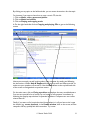
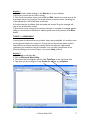
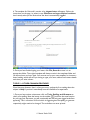
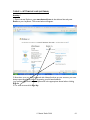
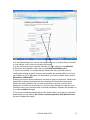
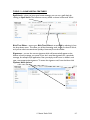
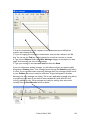
The Tools menu on the right-hand side offers a range of options. A new feature is the
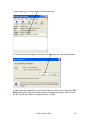
introduction of the Phishing Filter which informs you whether the website you are
visiting is a bogus site. Ensure that both this and the Pop-up Blocker are turned on.
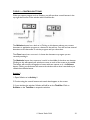
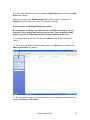
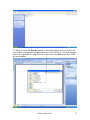
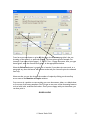
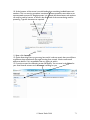
By clicking on New Tab you can open up another web page, which allows for easy
navigation between pages. You can open as many tabs as you wish. If you have more
than one tab open, you can close each individual page by clicking on the Close
button that appears on each tab. If you decide to close Internet Explorer completely you
will be asked if you wish to close all tabs.
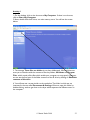
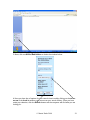
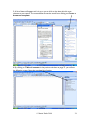
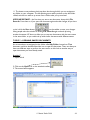
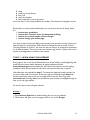
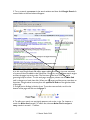
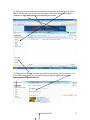
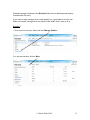
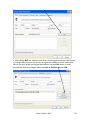
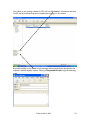
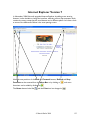
Once you have more than one tab open, a Quick Tabs icon appears which enables you
to see all your open tabs in one window as below.
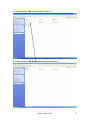
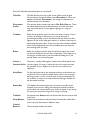
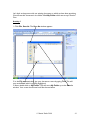
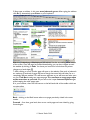
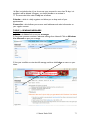
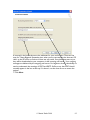
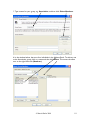
Finally, printing is also much improved. Print Preview allows you to shrink pages to fit,
adjust margins by click-and-drag, remove headers and footers, and switch between
landscape and portrait printing.
Overall, Version 7 is a vast improvement so don’t be afraid to download it if you haven’t
already done so.
© Martin Darke 2008
136