1
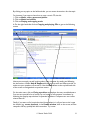
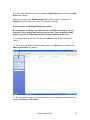
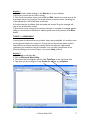
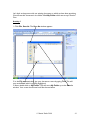
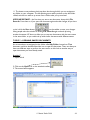
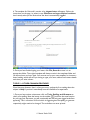
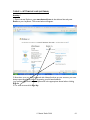
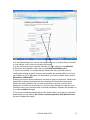
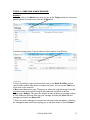
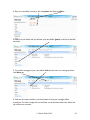
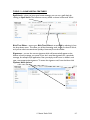
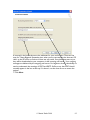
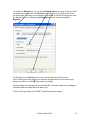
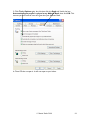
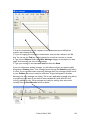
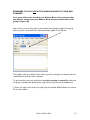
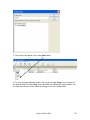
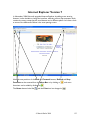
12. Under the General tab, you can see the Display name you chose. If ever you wish
to change your display name, the General tab is the place to go. Simply scroll across
the name, make the change, and remember to click OK. If you wish to change the name
for the servers then, for instance, mail.bigpond.com can easily be changed to
Bigpond.
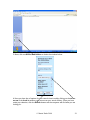
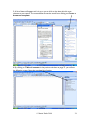
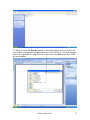
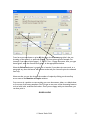
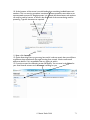
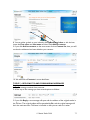
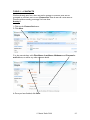
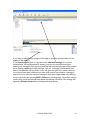
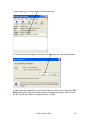
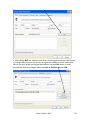
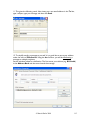
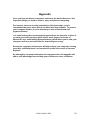
13. By clicking on the Servers tab, you can see the addresses of the servers.
This is where you would change your username and password if ever the case arose.
Always remember to click OK if you make any changes.
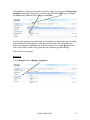
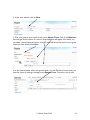
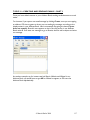
Knowing where these settings are stored makes life a lot easier when you are talking to
call-centre staff and makes their lives easier too!
If OE is working normally, then DON’T interfere with these settings.
© Martin Darke 2008
95