1
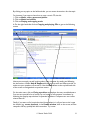
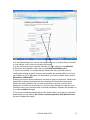
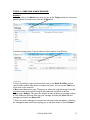
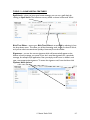
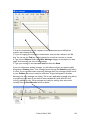
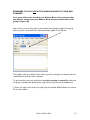
composing your reply. Usually there is not much point sending back the original
message, so delete this part before sending your reply.
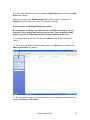
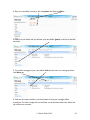
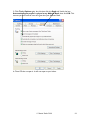
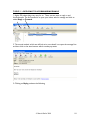
4. Once you have composed your reply, click Send.
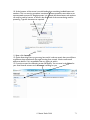
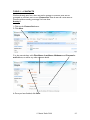
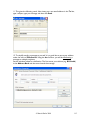
5. Reply All is used when the original message was sent to more than one person and
you want to respond to everybody.
6. Click on Forward to forward the original message to another recipient. All you have
to do is insert their address and type a message (if you wish). Many people forward
jokes to others by email.
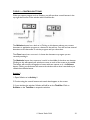
TOPIC 6 – SENDING ATTACHMENTS
An attachment is a file on your computer such as a document or photo. Remember
that, when we use Hotmail, we are actually composing our emails on a remote server,
so any attachment has to be uploaded along the telephone line to be attached to our
email before it can be sent. Let’s see how this process works.
Activity 5
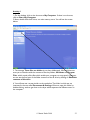
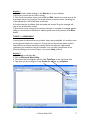
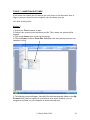
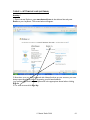
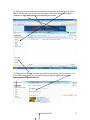
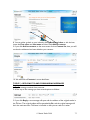
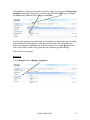
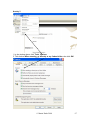
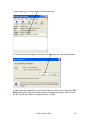
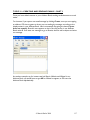
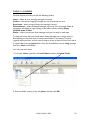
1. Open a new message by clicking New, Mail Message.
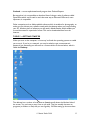
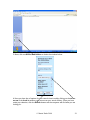
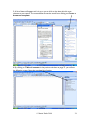
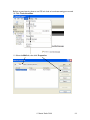
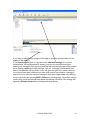
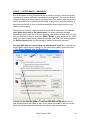
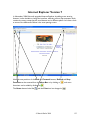
2. When you have addressed and typed your message, click on the down arrow next to
Attach and then File.
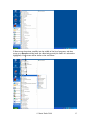
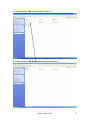
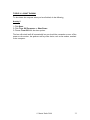
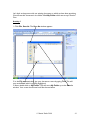
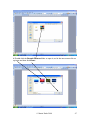
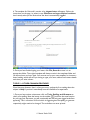
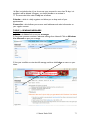
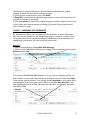
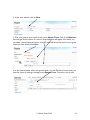
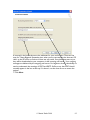
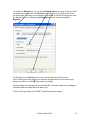
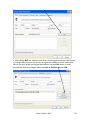
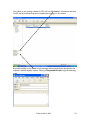
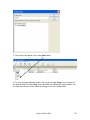
3. A window called Choose file will appear. It is up to you to navigate to the file you
want to attach to your email, select the file by clicking on it once and then click Open
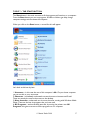
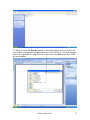
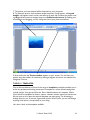
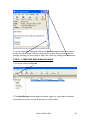
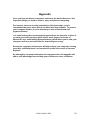
in the bottom right-hand corner. Your file will then be uploaded to the Hotmail server
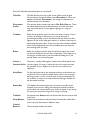
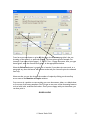
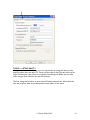
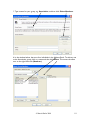
and attached to your email. In the instance below, a file called Memoirs Part 1 has
been uploaded and it size is 25Kb. Note that Hotmail allows you to attach files with a
total size of 10Mb.
© Martin Darke 2008
76