1
Table of Contents
1. Introduction................................................................................................................................. 3
2. Getting Started ............................................................................................................................ 4
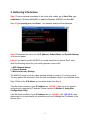
3. Gathering Information ................................................................................................................ 6
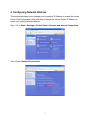
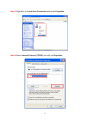
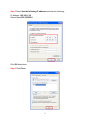
4. Configuring Network Address.................................................................................................... 7
5. Using Web Configuration Utility.............................................................................................. 14
6. Connecting to the Access Point ................................................................................................ 19
7. Web Configuration Utility ........................................................................................................ 20
7.1 Primary Setup...................................................................................................................... 20
7.2 System................................................................................................................................. 27
7.3 Operating Mode .................................................................................................................. 29
7.4 Access Control .................................................................................................................... 34
7.5 Advanced Wireless ............................................................................................................. 36
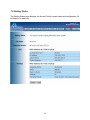
7.6 Setting Status ...................................................................................................................... 38
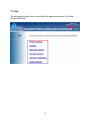
7.7 Help..................................................................................................................................... 39
Industry Canada Statement ........................................................................................................... 41
Technical Support ......................................................................................................................... 42
2