1
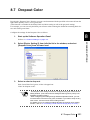
8.23 Imprinter Selection
You can specify which imprinter to use; Pre-imprinter or Post-imprinter, if you already have installed these
options.
Configure the settings for the Imprinter Selection as follows:
1.
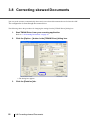
Start up the Software Operation Panel.
Refer to “8.1 Scanner Settings” on page 175.
2.
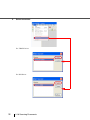
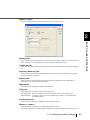
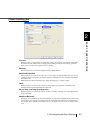
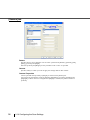
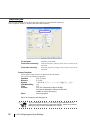
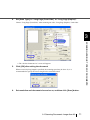
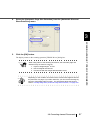
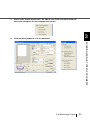
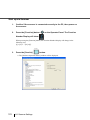
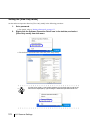
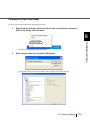
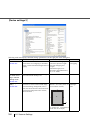
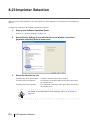
Select [Device Setting 2] from left side list in the window, and select
[Imprinter selection] from its lower level.
3.
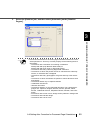
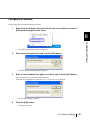
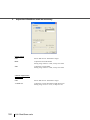
Select the Imprinter to use.
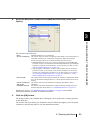
Normal (obey Host specification) : Complies with the scanner driver setting.
Forcibly select Pre-imprinter
: Pre-imprinter is forcibly used to print unless directed by
the scanner driver.
Forcibly select Post-imprinter
: Post-imprinter is forcibly used to print unless directed by
the scanner driver.
HINT
218
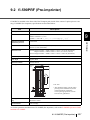
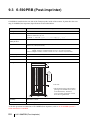
For details on the specifications of the imprinter, refer to “9 OPTIONS” on
page 225.
8.23 Imprinter Selection