1
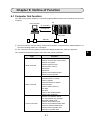
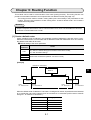
Chapter 7: Computer Link Function
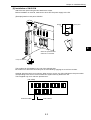
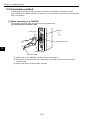
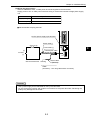
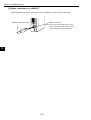
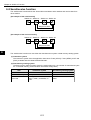
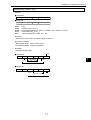
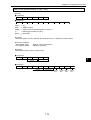
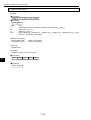
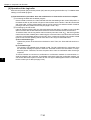
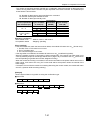
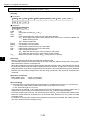
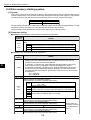
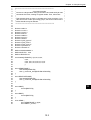
[7] An example using the ring buffer
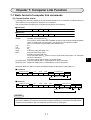
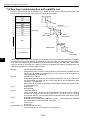
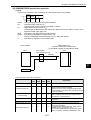
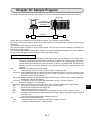
(1) Data flow direction (from PC to the host computer)
· Direct assignment
· Ring buffer 01
Size and address: Occupy 1 K-bytes starting at 29000
· Ring buffer information storage area: Starts at 09000
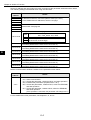
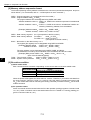
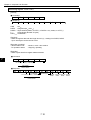
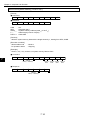
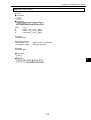
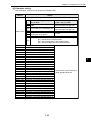
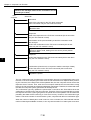
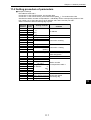
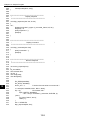
Ë Parameter settings
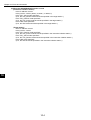
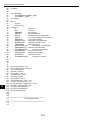
Parameter address Set value
1410, 1411
004000(8)
00
1412
01(H)
1413
0C(H)
1414
00
1415
04
1416
80(H)
1417
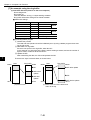
Details
File 004000
09000
File 0
Data flow direction
File 006000
29000
File 0
1 K-bytes
Direct assignment
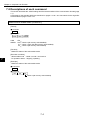
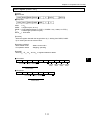
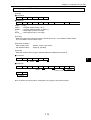
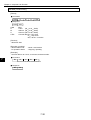
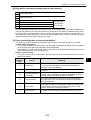
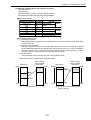
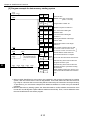
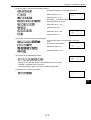
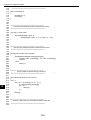
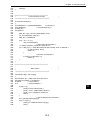
Ë Processing ladder program
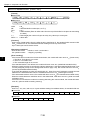
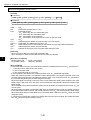
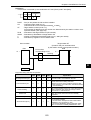
1 Initialize the pointers
The read and write pointers should be initialized (set to 0) using a ladder program when starting the JW-51CM.
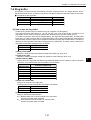
2 Write data to a ring buffer
If there is free space in the ring buffer, write data in it.
In this example, we assume that the data is written starting at 49000, and set the number of
bytes to write in locations 09100 and 09101.
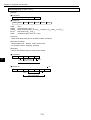
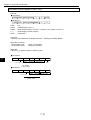
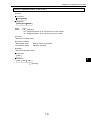
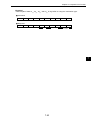
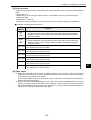
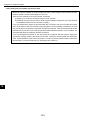
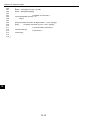
3 Update the WP
After transmitting the data, the JW-51CM updates the WP.
7
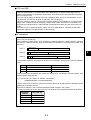
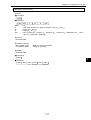
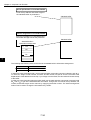
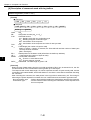
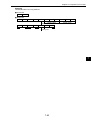
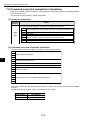
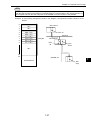
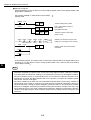
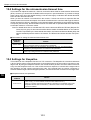
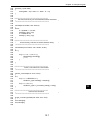
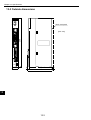
There are two ways to transmit data, as shown below:
Data
Ring buffer
49000
Data
29000
49000
Ring buffer
29000
+ WP after update
+ RP
+ WP before
update
+ RP
+ WP after
update
59777
39777
(a) Normal case
59777
+ WP before update
39777
(b) Write to the end of the buffer and
return to the top
7·48